How to Export Transparent Video for After Effects (ProRes 4444 with Alpha)
MP4 can't store transparency, so export a MOV in ProRes 4444 with an alpha channel, or a PNG sequence. In Glyph Studio, open Export, go to Video and press "For After Effects (transparent MOV)". After Effects, Premiere Pro and DaVinci Resolve then open it with the background already clear.
You make a title, a logo loop or a stylised clip, drop it into your edit, and it arrives sitting on a solid black box. That's almost always a format problem, not a design problem. Here's what's going on and how to get a clean, transparent clip into your editor.
Why your video has a black background
A transparent video needs a fourth channel next to red, green and blue: alpha, which stores how see-through each pixel is. Most delivery formats simply don't have one.
| Format | Transparency? | Use it for |
|---|---|---|
| MP4 (H.264, H.265) | No | Final delivery, social, web |
| MOV, ProRes 422 | No | Editing without transparency |
| MOV, ProRes 4444 | Yes | Overlays in After Effects, Premiere, Resolve, Final Cut |
| PNG sequence | Yes | Any editor, but thousands of files |
| WebM (VP9) | Yes, in browsers | Websites; most editors won't read its alpha |
| GIF | On/off only | Simple web stickers |
So if you need an overlay for an editor, the answer is ProRes 4444 in a MOV, with a PNG sequence as the fallback.
Straight vs premultiplied alpha (why edges go dark)
There are two ways to store a semi-transparent pixel:
- Straight alpha stores the full colour, plus a separate value for how transparent the pixel is.
- Premultiplied alpha stores the colour already darkened by its transparency.
Both work, but the editor has to know which one it's getting. ProRes files don't reliably say, and most editors assume straight. If a premultiplied file is read as straight, every soft edge, glow and fade picks up a dark halo. Glyph Studio's transparent MOVs are straight alpha, which is what After Effects, Premiere and Resolve expect.
Export a transparent MOV, step by step
1. Start with something transparent
Only parts of the image that are actually empty can be transparent. In Glyph Studio there are two easy ways to get them:
- 3D Type: open Lab and choose 3D Type, then turn on Transparent Background.
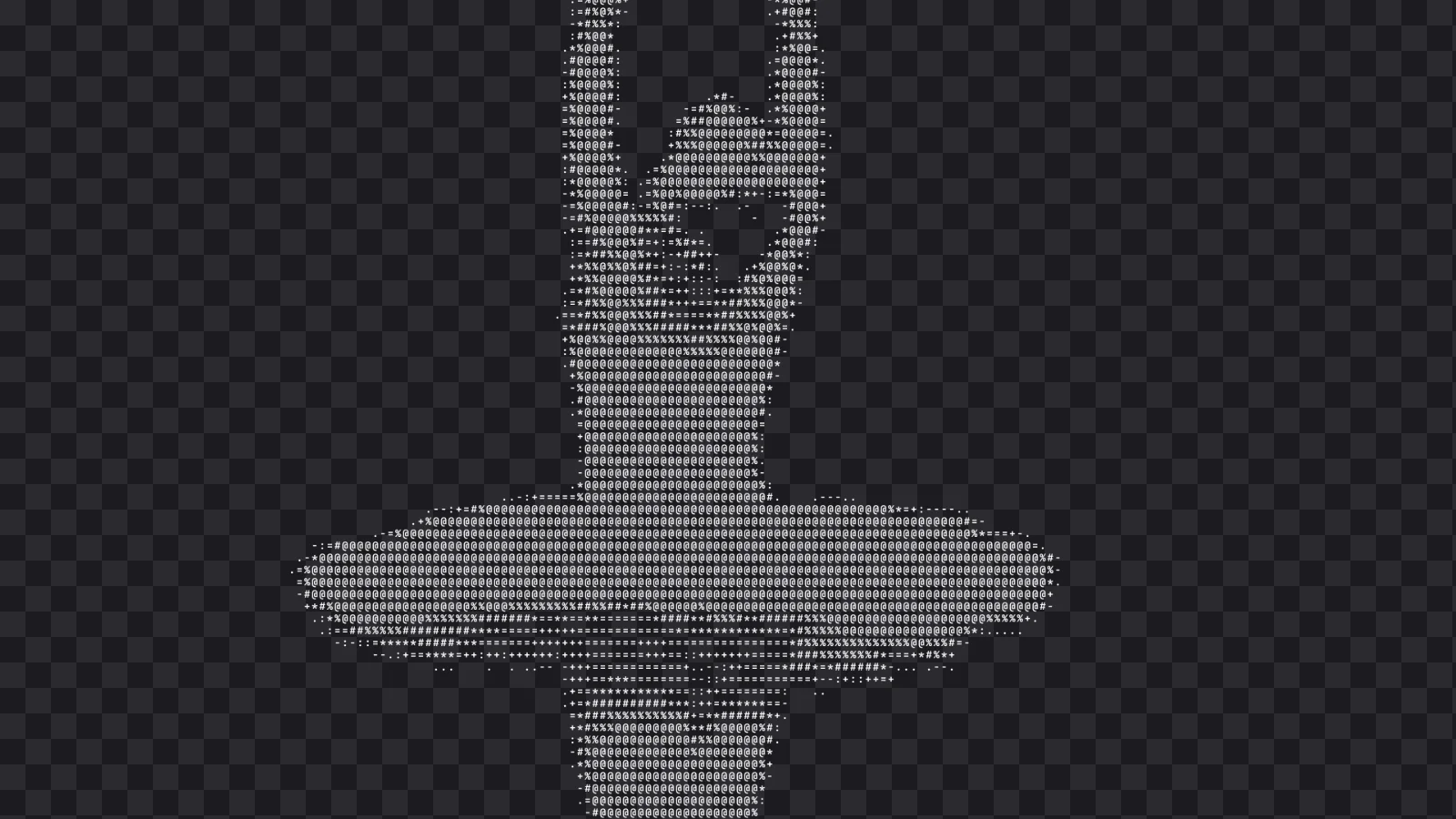
- Character and dot styles: in styles like ASCII, set Backdrop to None (Transparent). Only the characters or dots remain, so your footage shows through between them.
Styles that repaint the whole frame, like a halftone with a paper colour, fill the background by design.
2. Use the After Effects preset
Press Export (⌘E), open the Video tab and press For After Effects (transparent MOV). This picks MOV, turns on Transparent background and sets character styles' backdrop to none. The summary line confirms ProRes 4444 with straight alpha.
Choose your resolution and frame rate, then export. Each frame is rendered one at a time, so none are dropped.
3. Bring it into your editor
- After Effects: import the MOV. It should arrive transparent. If you ever see dark fringes, select the footage, choose File → Interpret Footage → Main and set Alpha to Straight – Unmatted.
- Premiere Pro: import and drop it on a track above your footage. ProRes 4444 alpha is read automatically.
- DaVinci Resolve: if the background shows, right-click the clip, open Clip Attributes and set Alpha Mode to Straight.
- Final Cut Pro: import as usual. ProRes 4444 transparency is supported natively.
Common problems
"It's black in QuickTime Player." That's normal. QuickTime Player has no transparency grid, so it shows transparent areas as black. Check the file in your editor, with its transparency grid turned on.
"The edges look dark or dirty." The editor is reading the alpha the wrong way. Set it to straight, as above.
"Canva or Instagram shows a black box." Most online design tools and social apps don't support video with alpha at all. Composite your overlay in an editor and export a normal MP4, or use a PNG for stills.
"The file is huge." ProRes is an editing format, so it trades size for quality. Keep clips short, and export the final edit to MP4 for delivery.
"My editor won't read it." Export a PNG sequence with alpha instead. Every editor can read one, and Glyph Studio can zip it or write it straight to a folder.
If you're making the overlay itself, ASCII art with a transparent backdrop is one of the easiest looks to drop over footage.
FAQ
Can an MP4 have a transparent background?
No. H.264 and H.265 MP4 files have no alpha channel. Use ProRes 4444 in a MOV, or a PNG sequence.
What is ProRes 4444?
It's Apple's high-quality editing codec. Unlike ProRes 422, it carries an alpha channel, so it can store transparent video that After Effects, Premiere Pro, DaVinci Resolve and Final Cut read natively.
Should I use straight or premultiplied alpha?
Use straight for ProRes. Editors assume straight by default, and a premultiplied file read as straight gets dark edges around anything soft.
Why does my transparent video look black?
You're probably viewing it in a player without a transparency grid, such as QuickTime Player. Open it in your editor instead.
Is Glyph Studio's transparent export free?
Yes. ProRes 4444 with alpha, PNG sequences and every other export are free, and your clips are rendered on your own device.