Restyleanything.Live.
01The looks
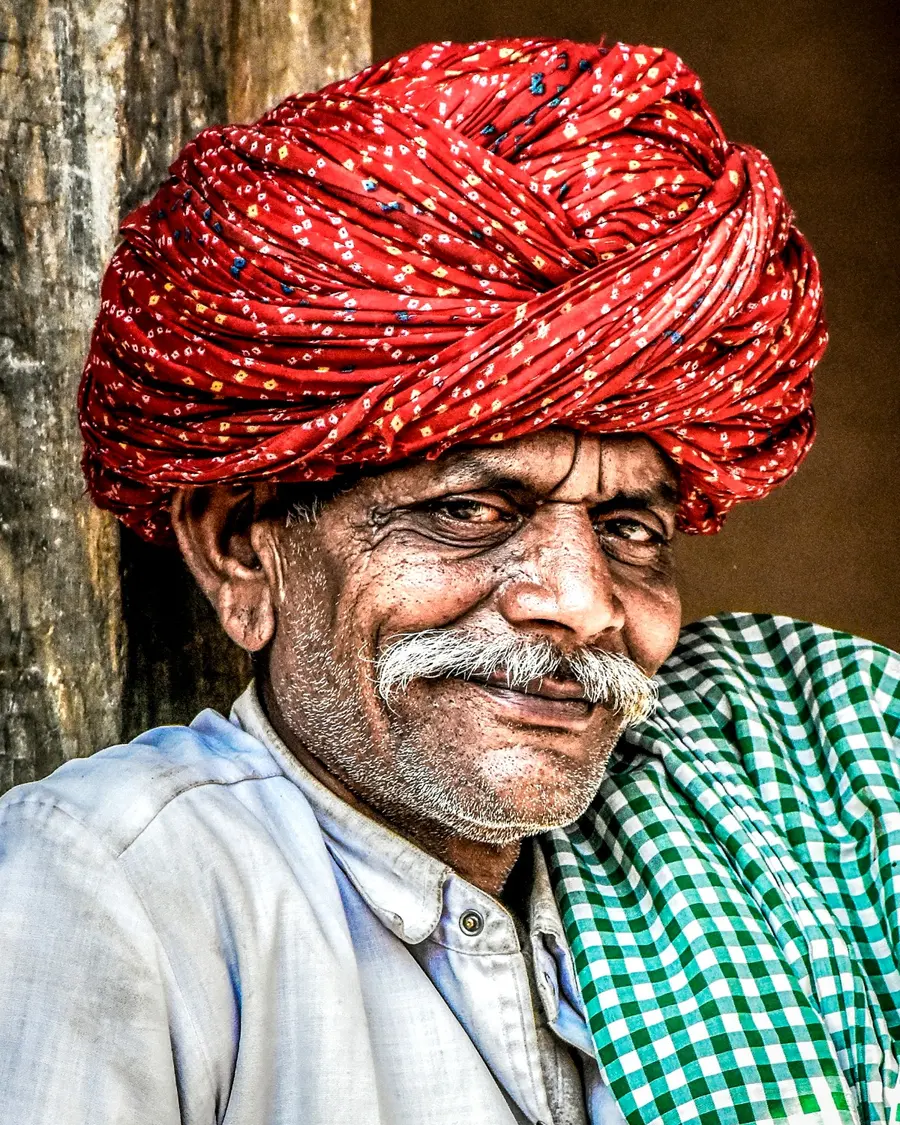
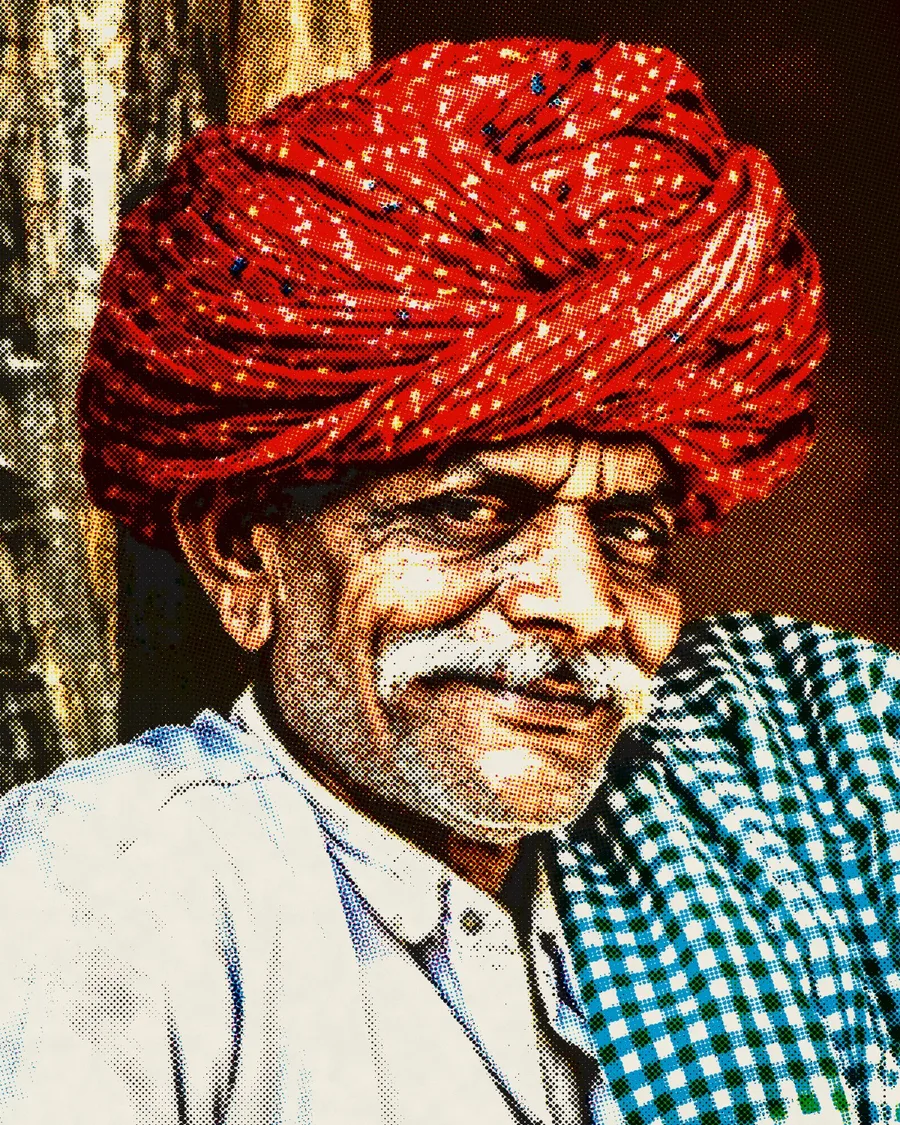
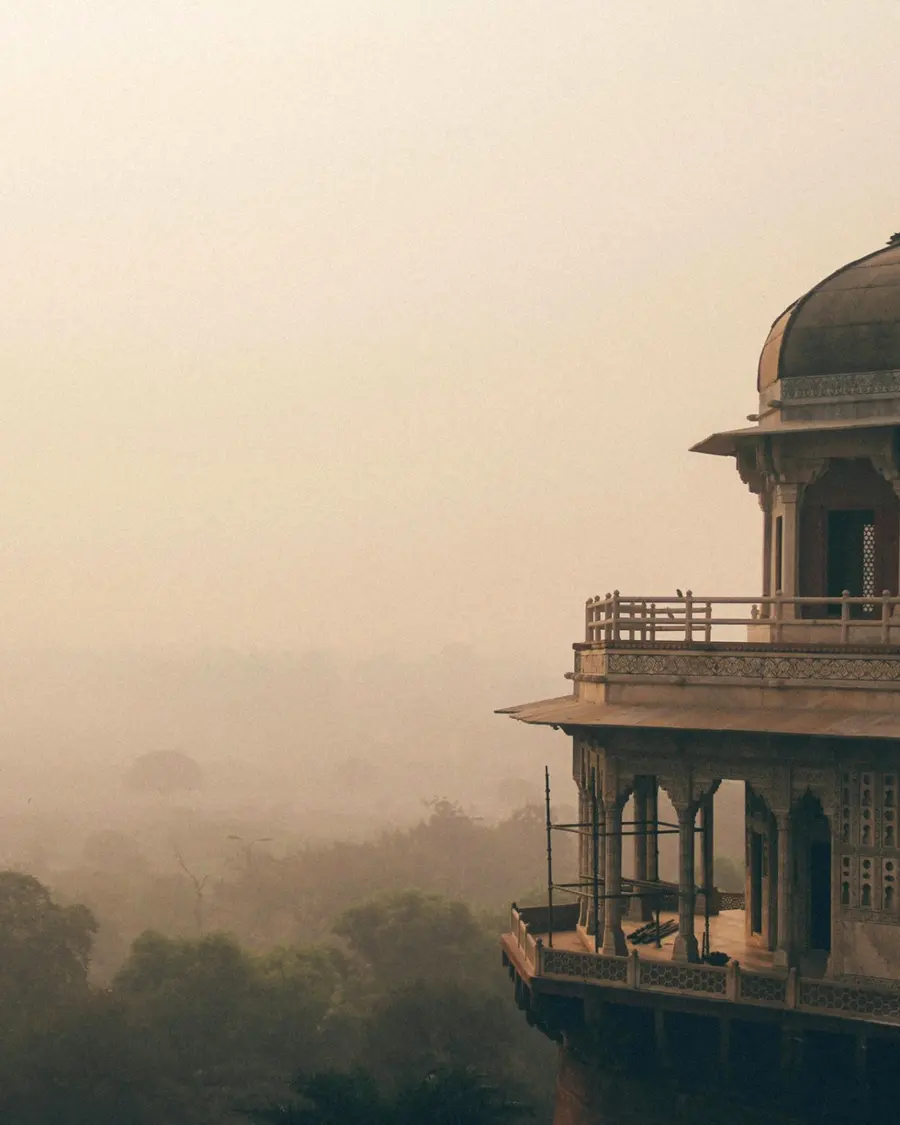
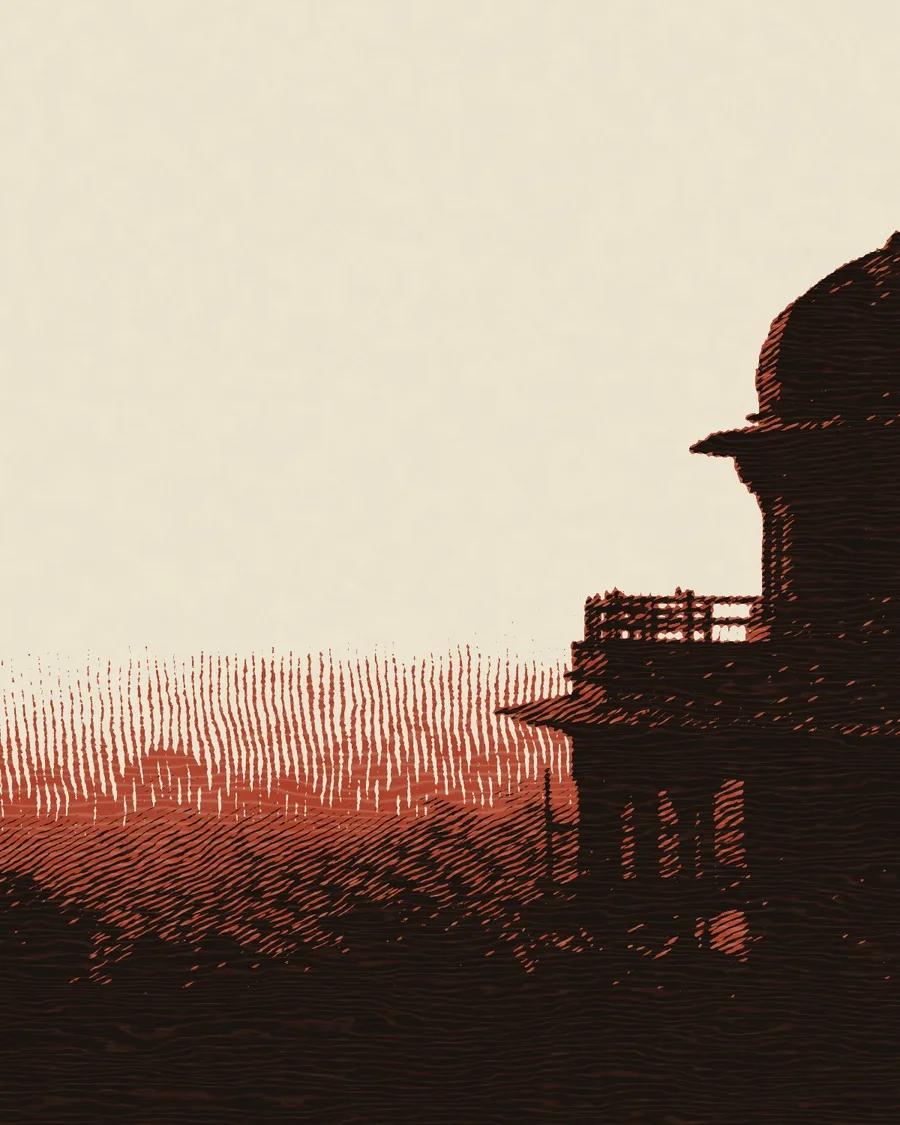
Every style comes from somewhere.
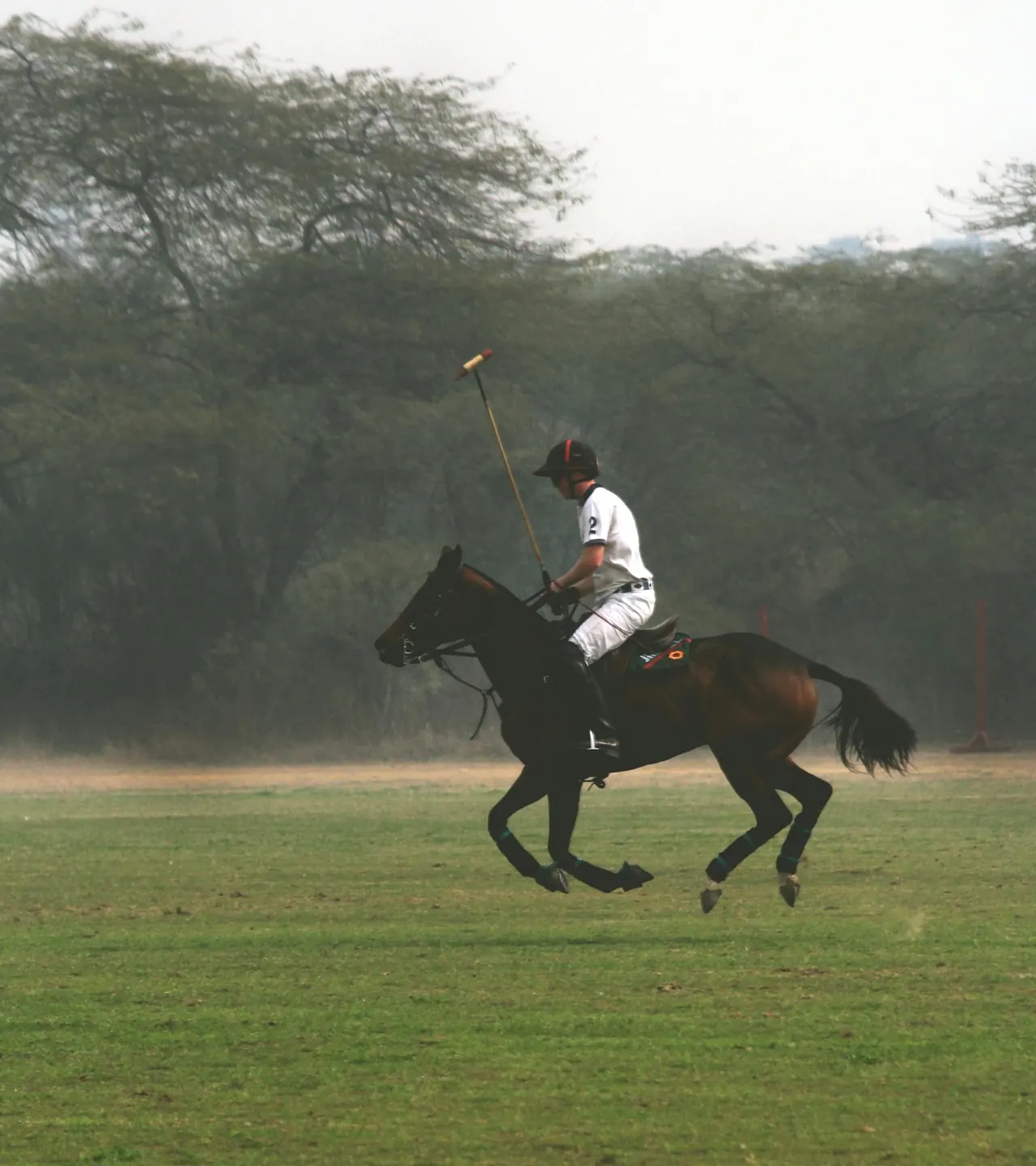
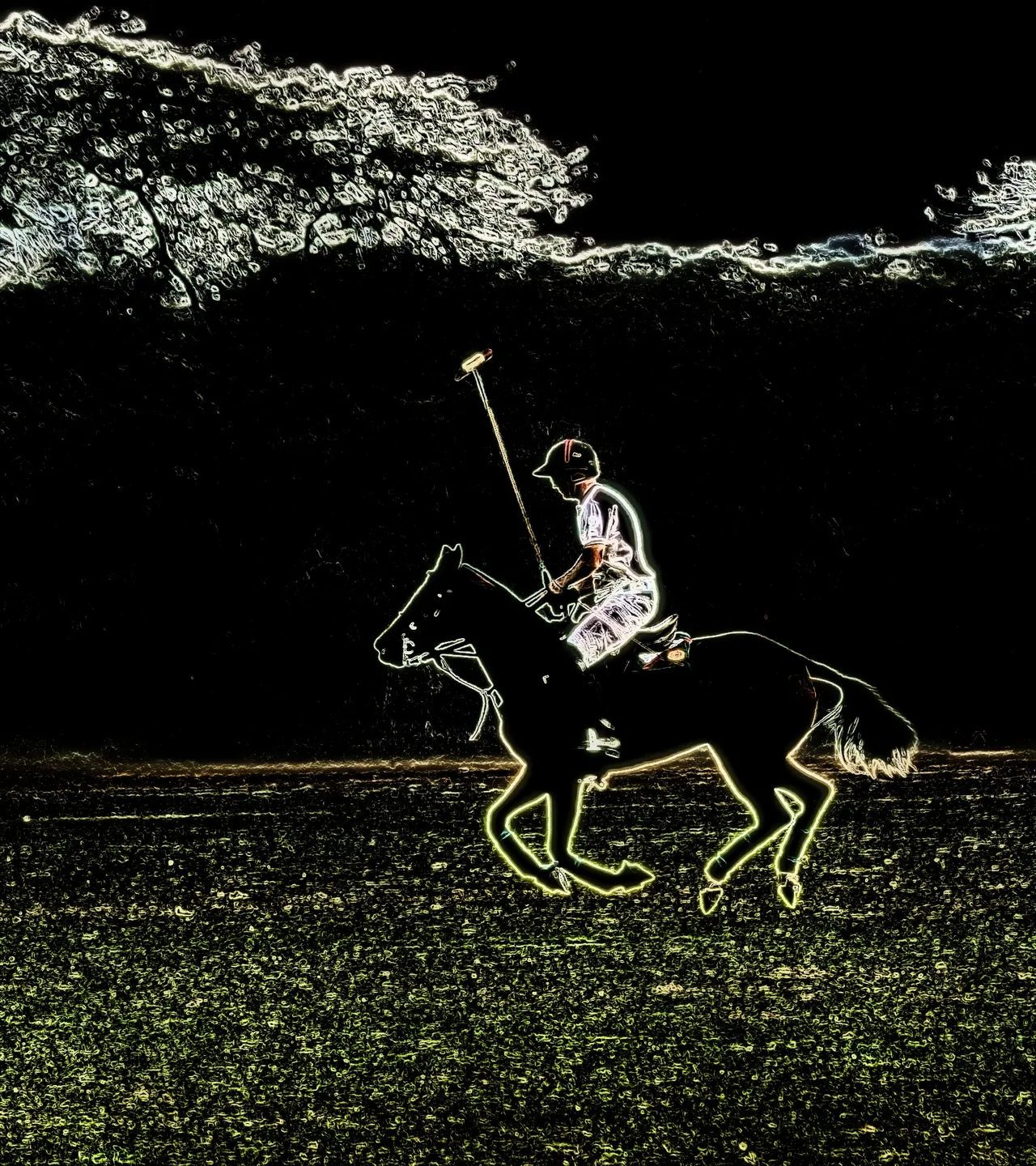
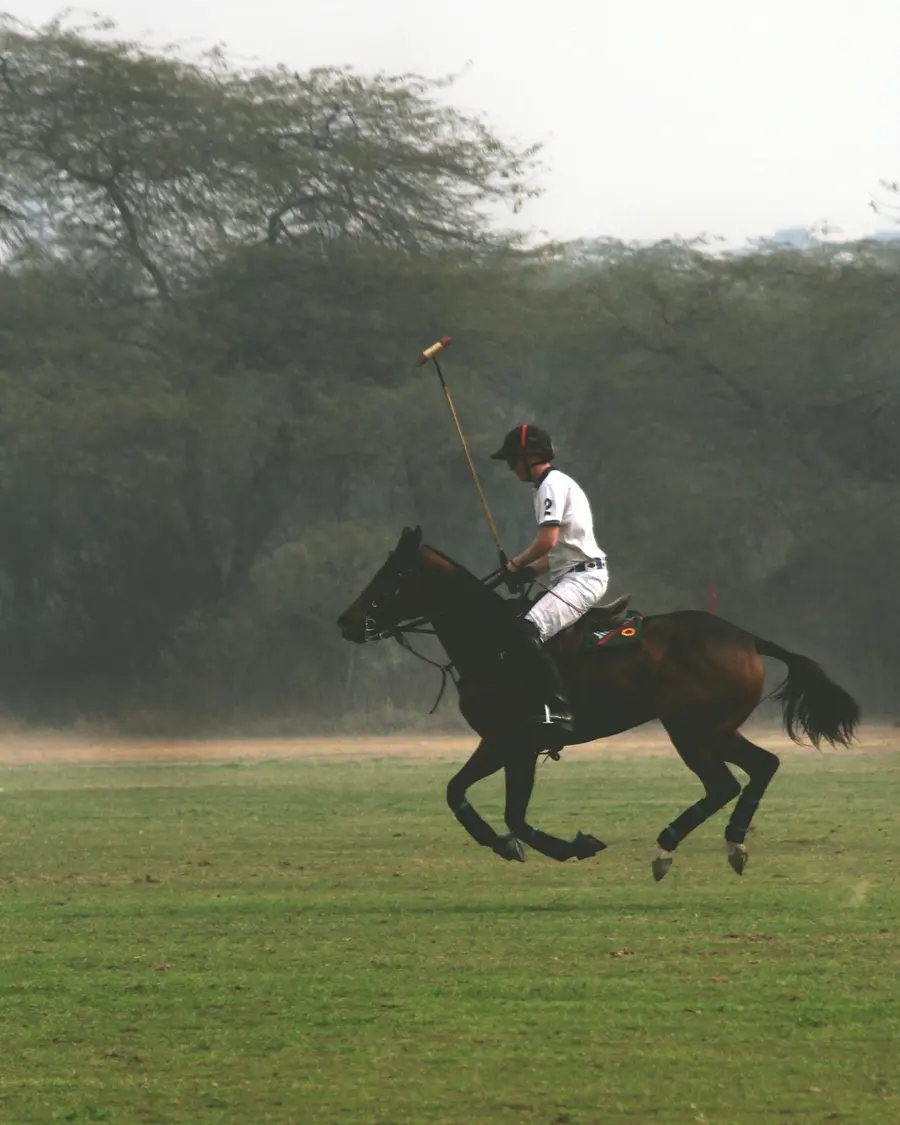
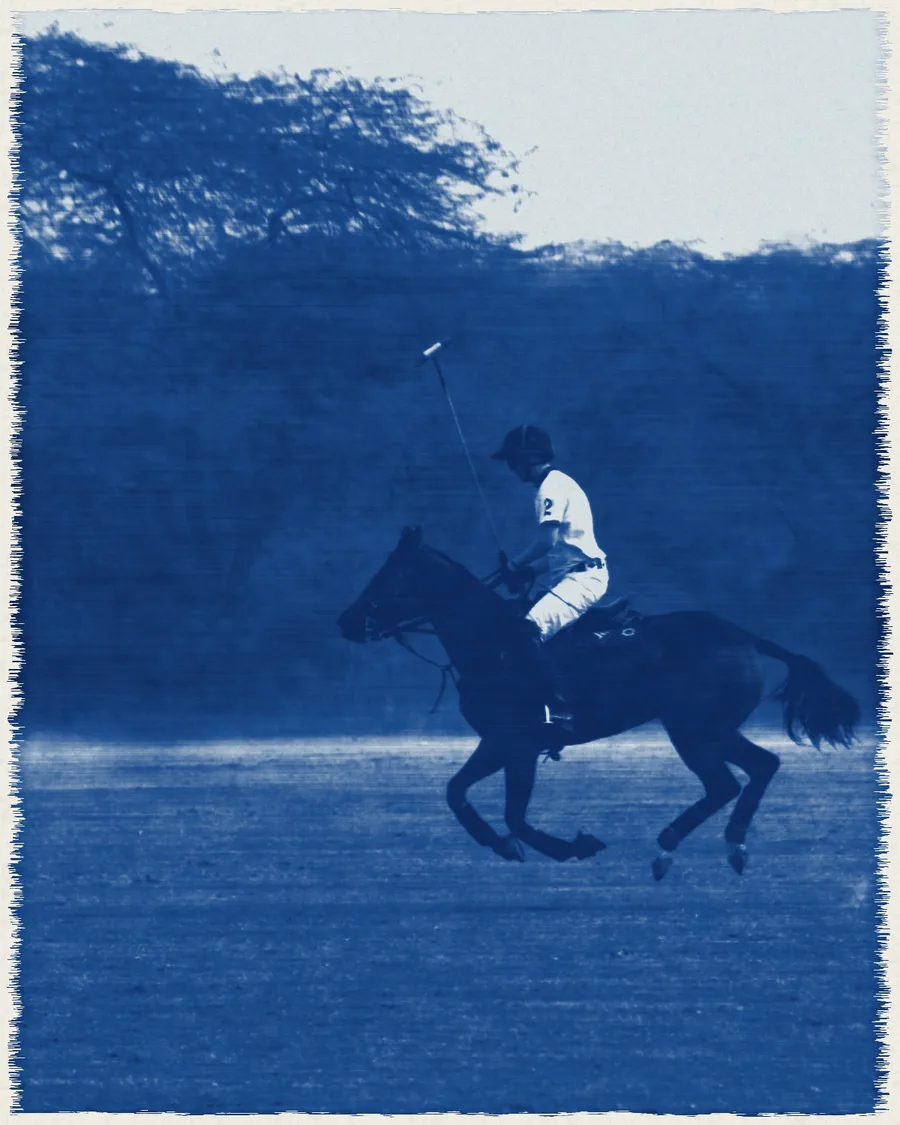
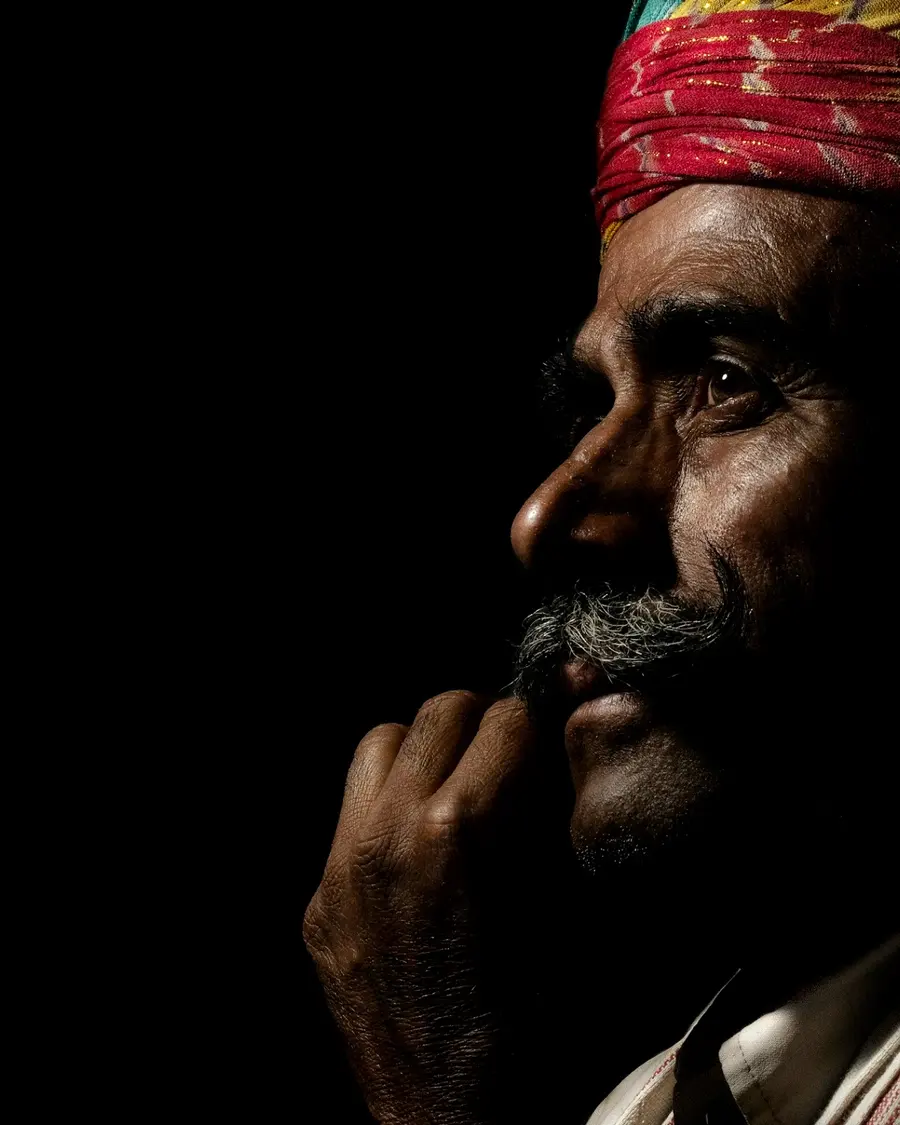
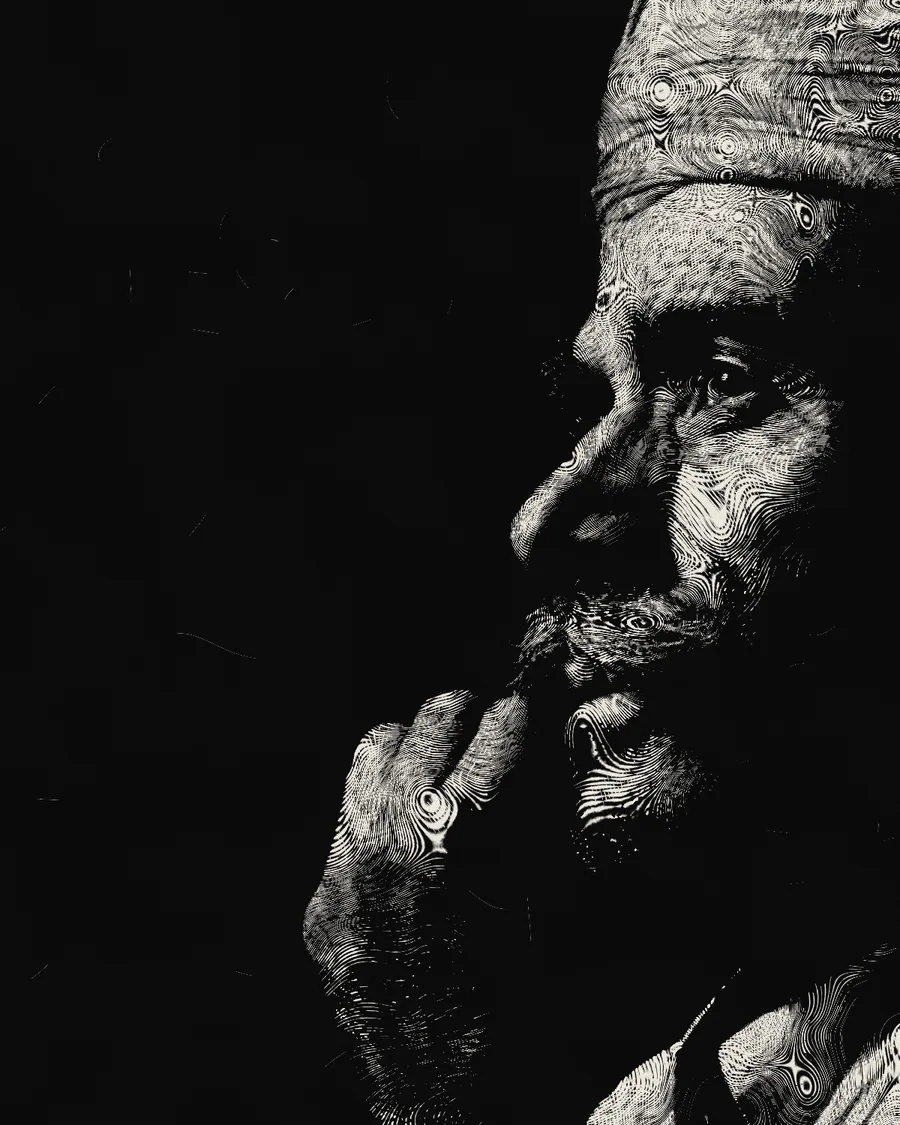
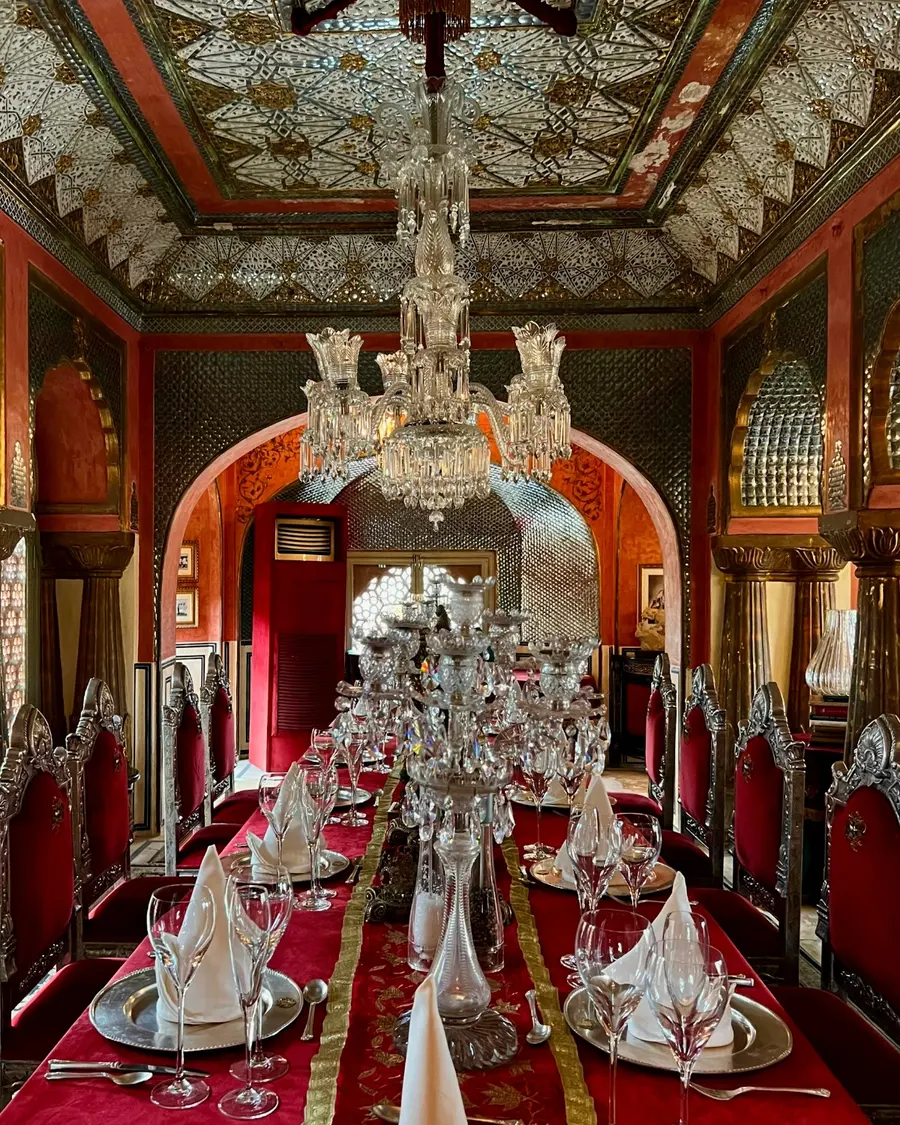
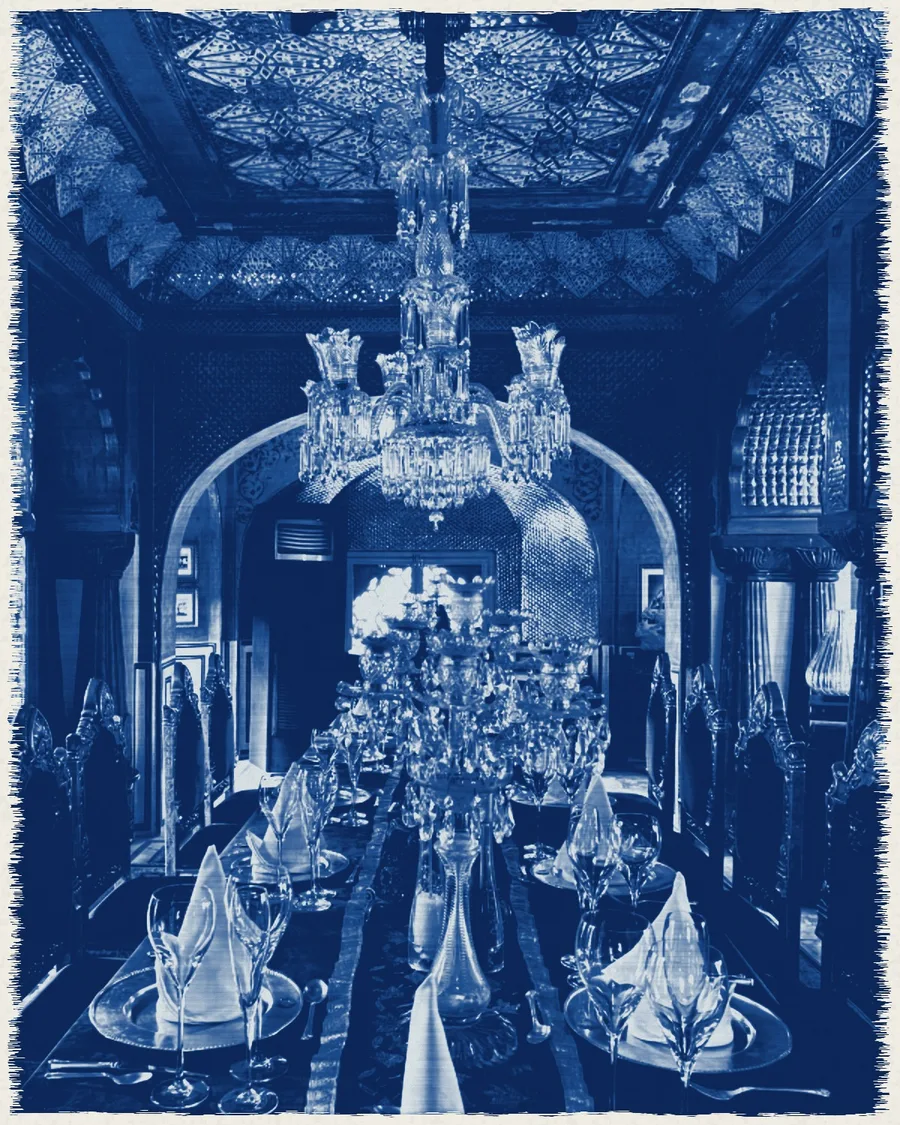
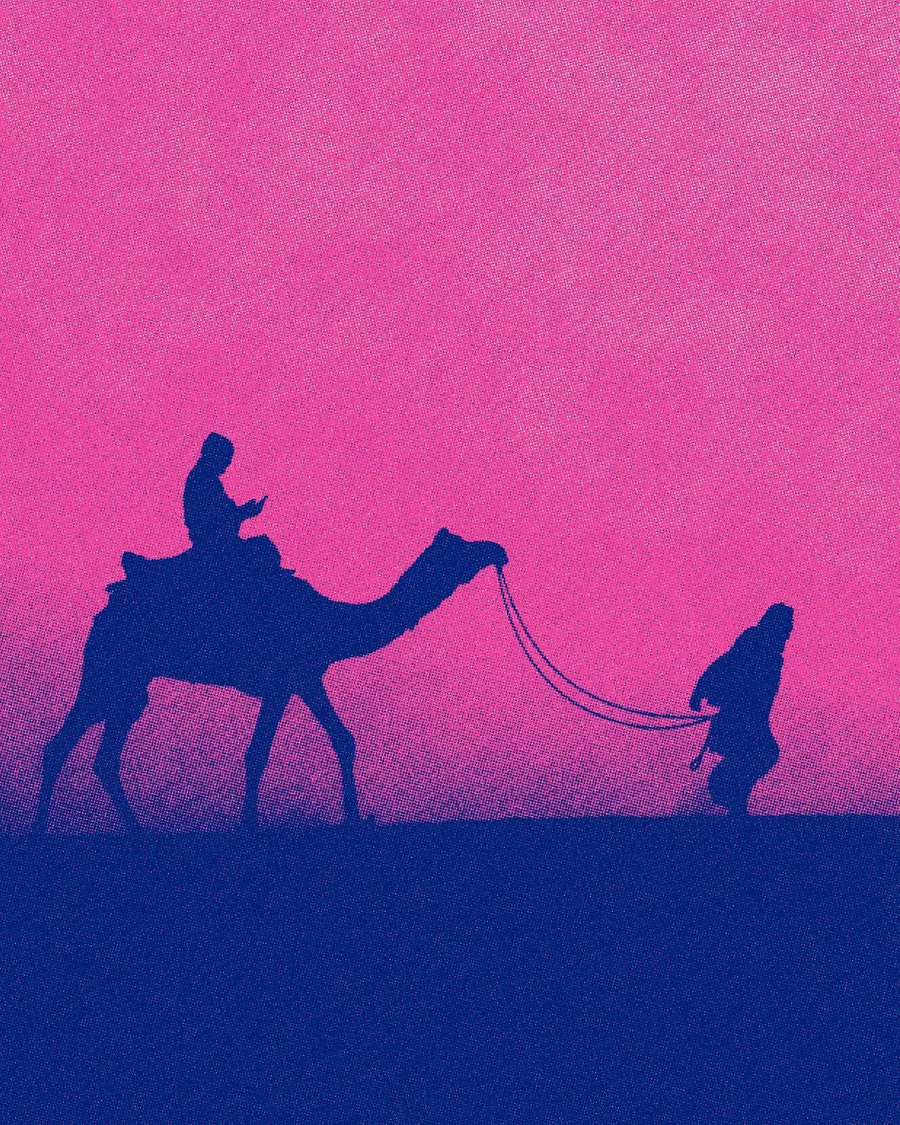
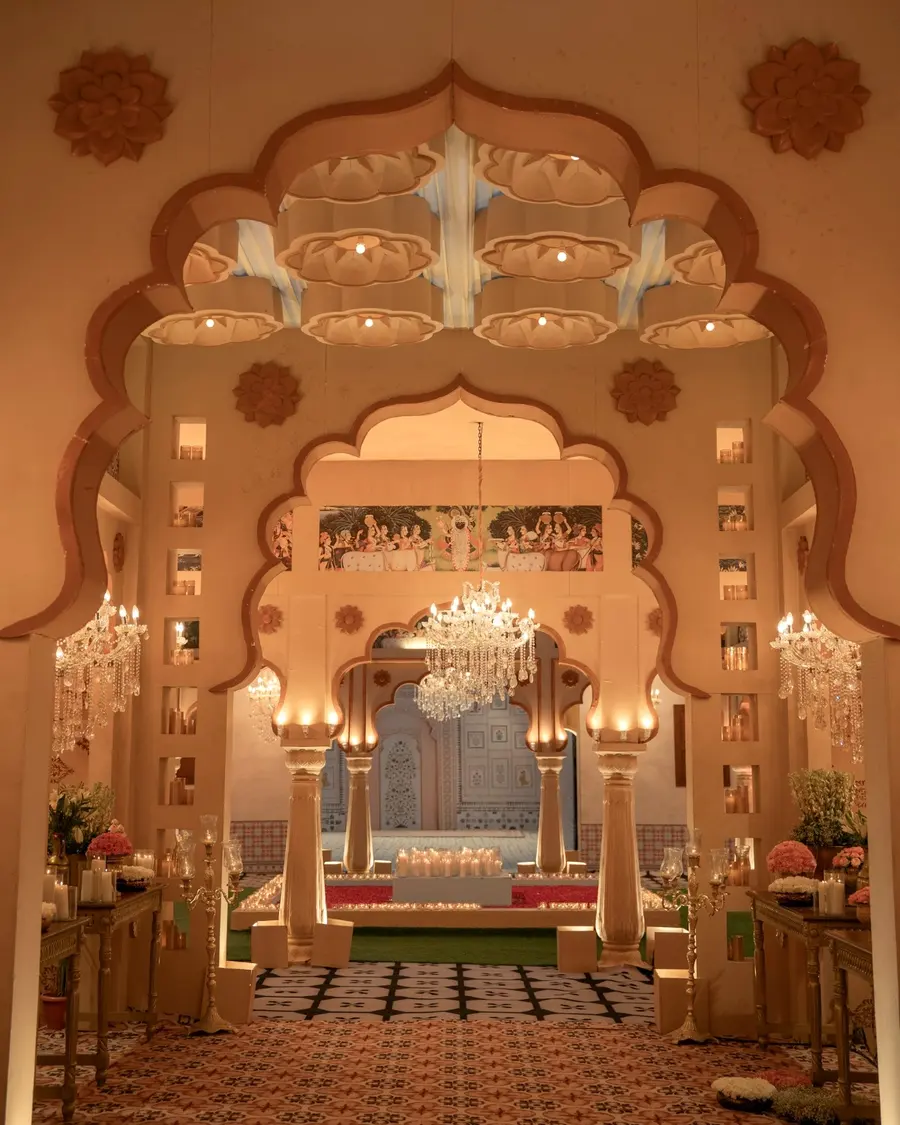
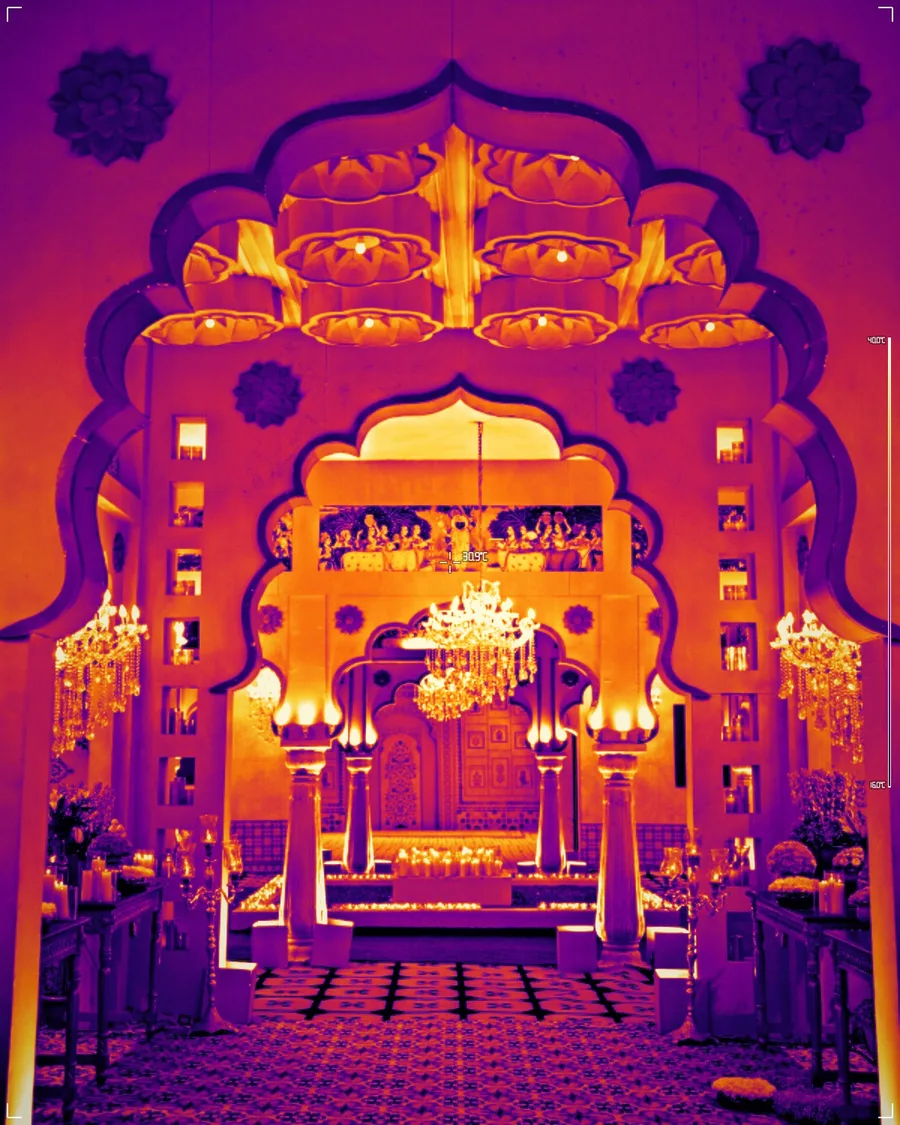
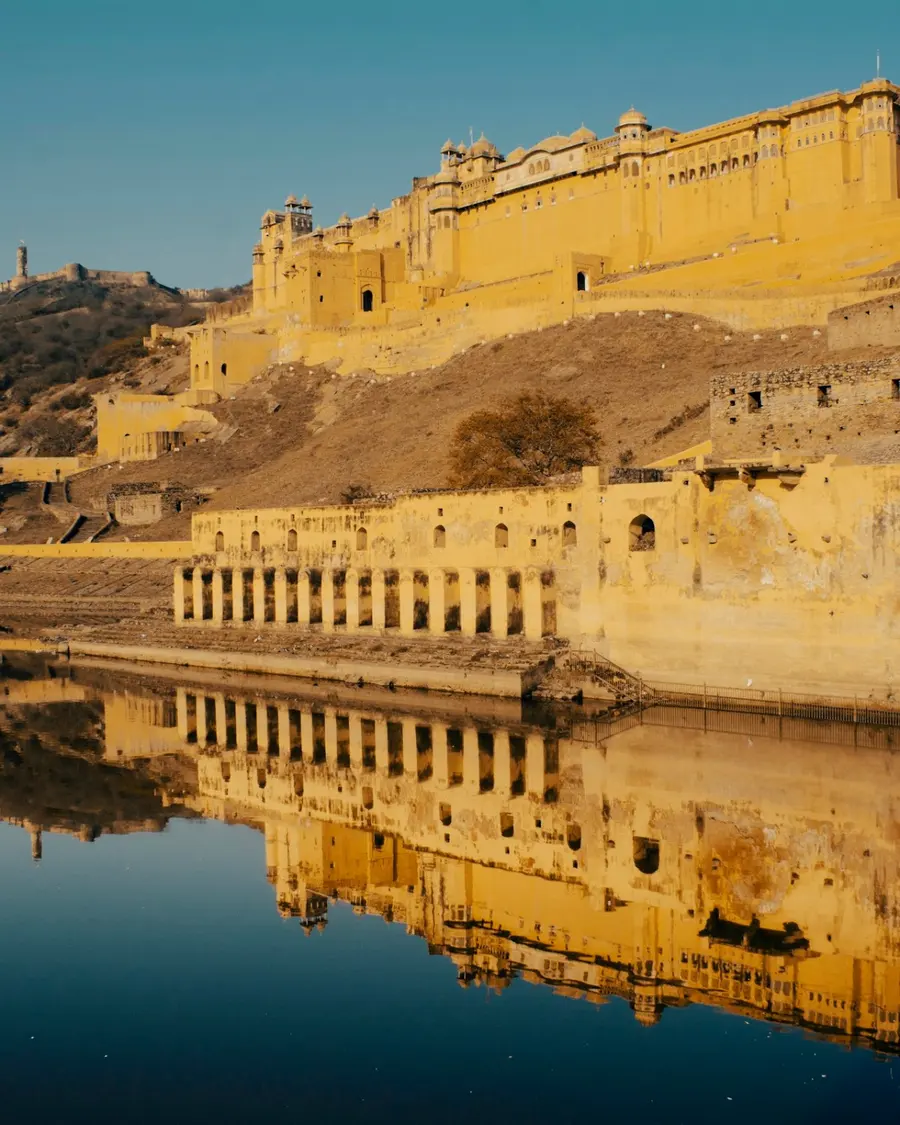
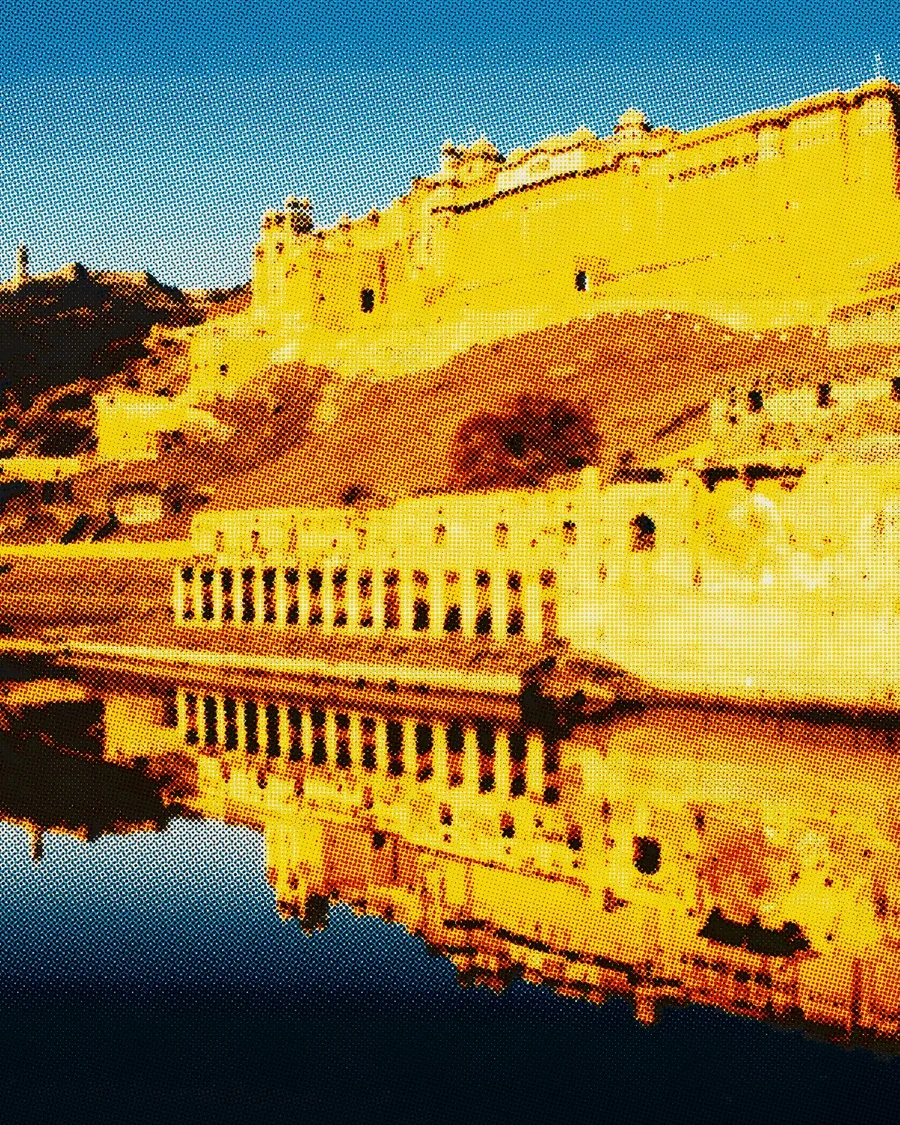
Loom, carved block, sun print, thermal camera. Each look recreates a real craft or machine, live, on any photo you bring.

02Live camera
Live webcam filters, in real time.
Pick a look and move. Every frame is rendered on your own GPU, and nothing is recorded, stored or sent anywhere.
Your browser will ask for permission. Switch it off any time.
14 of 114 looks, picked for faces. Dots mark new Glyph Studio originals. In the studio, open Lab → Webcam to use every style and record what you make.
03Originals
Crafts no other studio has.
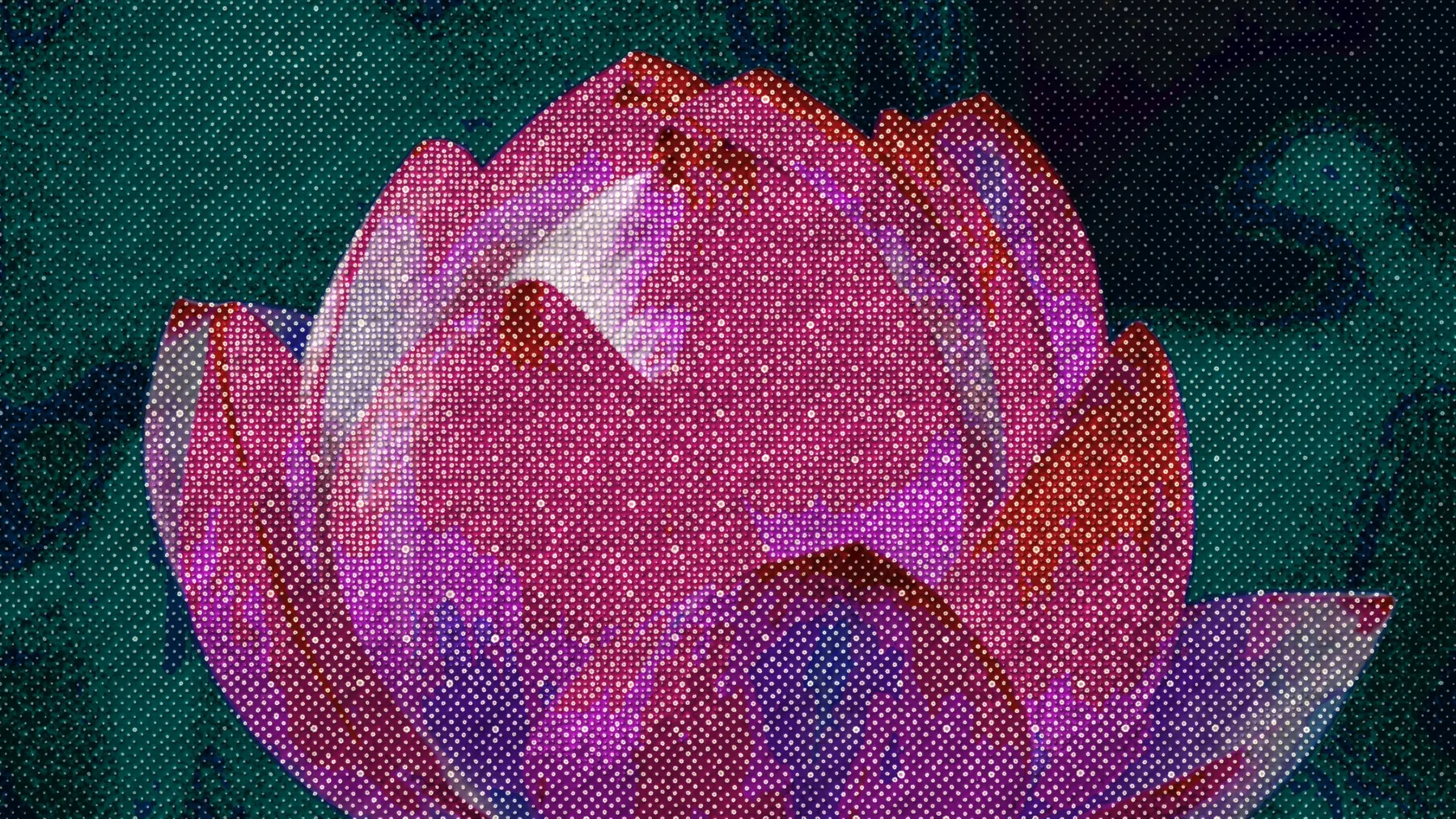
Ten styles we built from scratch, three of them from traditional handwork. Drag across the picture to see the photo underneath.

04Node editor
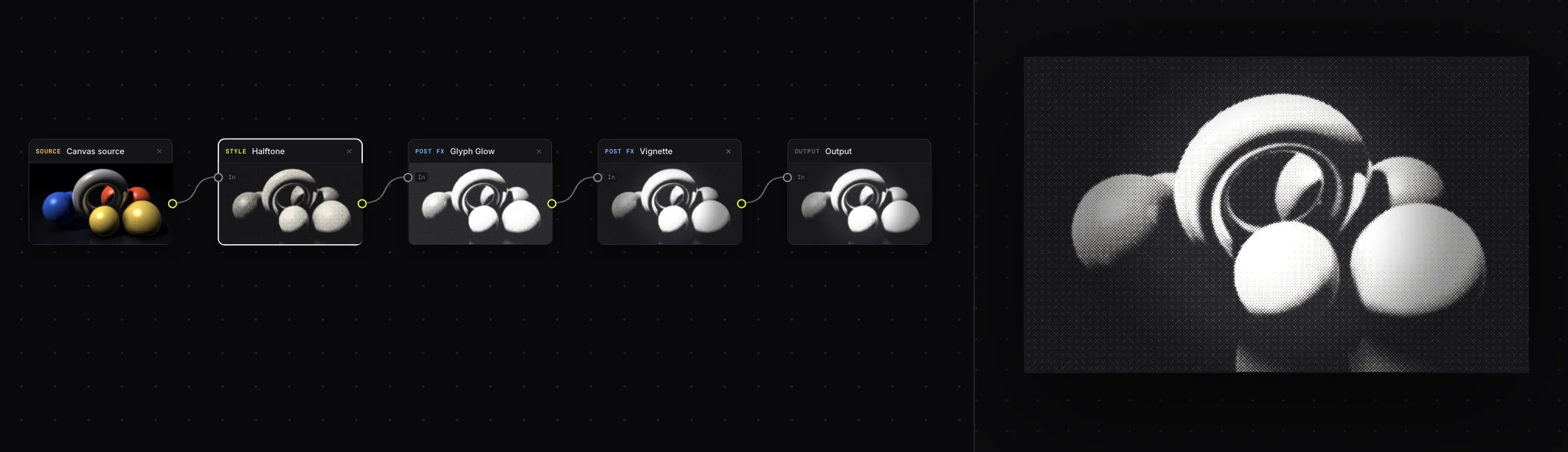
Chain looks, branch them, blend them back.
Run styles in sequence, split the image, then recombine it with 11 blend modes and luminance masks. A node graph renders and exports like any other look.
05Code export
Export any effect as a React or Framer component.
Any look exports as a live, dependency-free WebGL component for Framer or React, or as a single HTML file. Drop it on your site and it renders your image or video in real time.
import GlyphLook from './GlyphLook'

export default function Hero() {
  return (
    <GlyphLook
      video="/hero.mp4"
      animate
      speed={1.2}
    />
  )
}06The studio
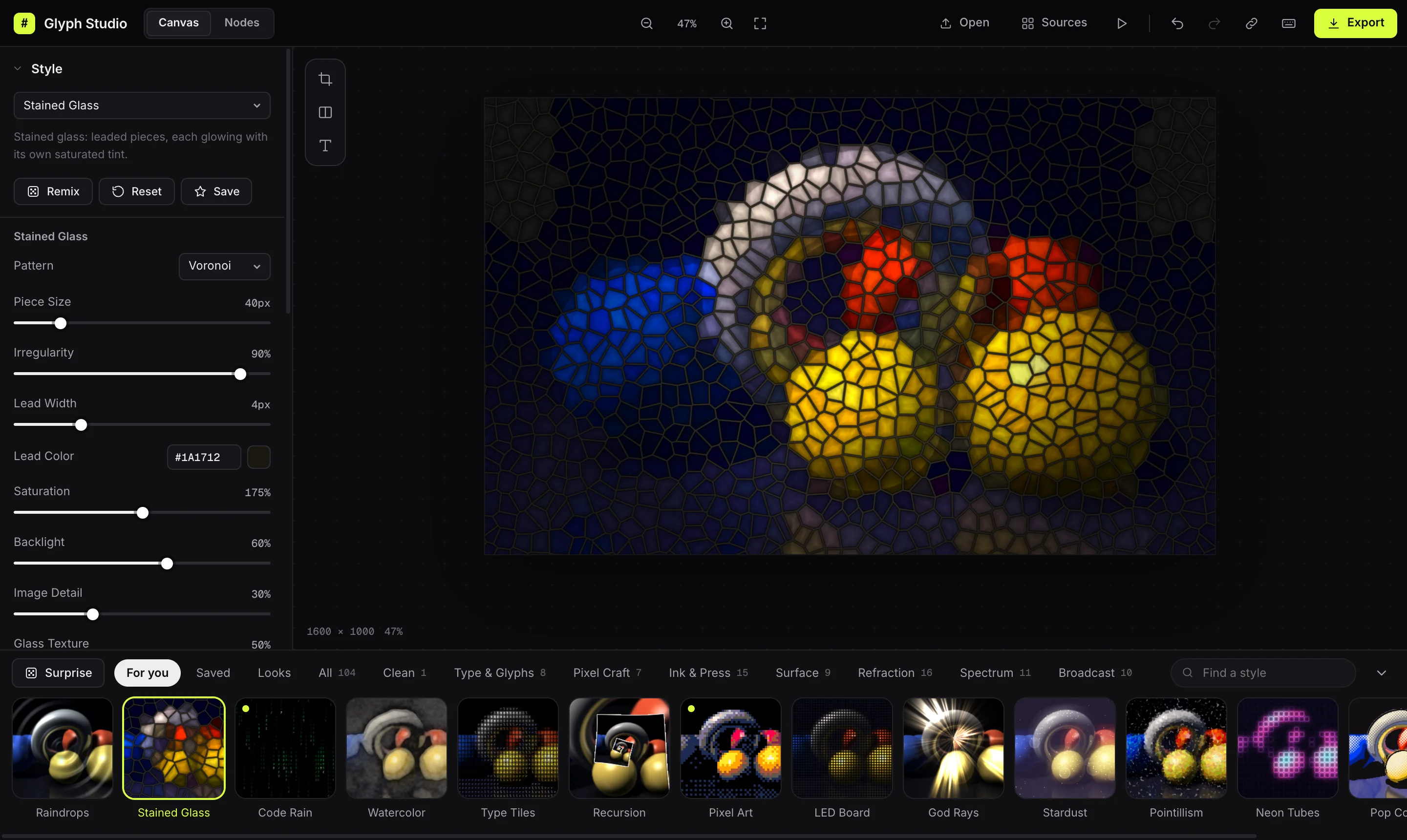
A free image and video effects studio, in your browser.
114 styles
Including 10 Glyph Studio originals, from block print and Bandhani to split-flap boards and knitwear.
35 finishing passes
Stack bloom, grain, screen curve, halftone and colour grades on any style.
Looks and Surprise
Save a whole look in one click, or let Surprise remix one for you.
Export anything
PNG up to 4×, frame-exact MP4 and WebM, GIF, plain or coloured ASCII text.
Private by design
No account and no uploads. Your files never leave your device.
Works on phones
The whole studio adapts to a phone screen, camera included.
07Questions
Frequently asked questions
Is Glyph Studio really free?
Yes. Every style and export is free during the beta, with no account, card or watermark.
Are my photos or videos uploaded?
No. Everything is rendered on your own device's GPU. Your files, and your camera feed, never leave your browser.
Can I use what I make commercially?
Yes. What you export is yours to use in client work, videos, posters, websites and products.
Will the transparent video work in my editor?
The MOV export is ProRes 4444 with an alpha channel, which After Effects, Premiere Pro, DaVinci Resolve and Final Cut read natively. PNG sequences work everywhere.
What do I need to run it?
A recent Chrome, Edge, Safari or Firefox on a computer or phone. There is nothing to install.
Startrestyling.
Start creating, it's freeNo sign-upNothing uploadedRuns in your browser