Dithering Explained: How to Dither an Image Online
Dithering fakes more shades than a screen or printer has by mixing a few colours in fine patterns. In Glyph Studio, open your image, choose the Dither style, pick a Pattern (Bayer 2×2, 4×4, 8×8 or Noise) and a Palette, then set Pixel Size. Export a PNG at 4× and the pixels stay crisp.
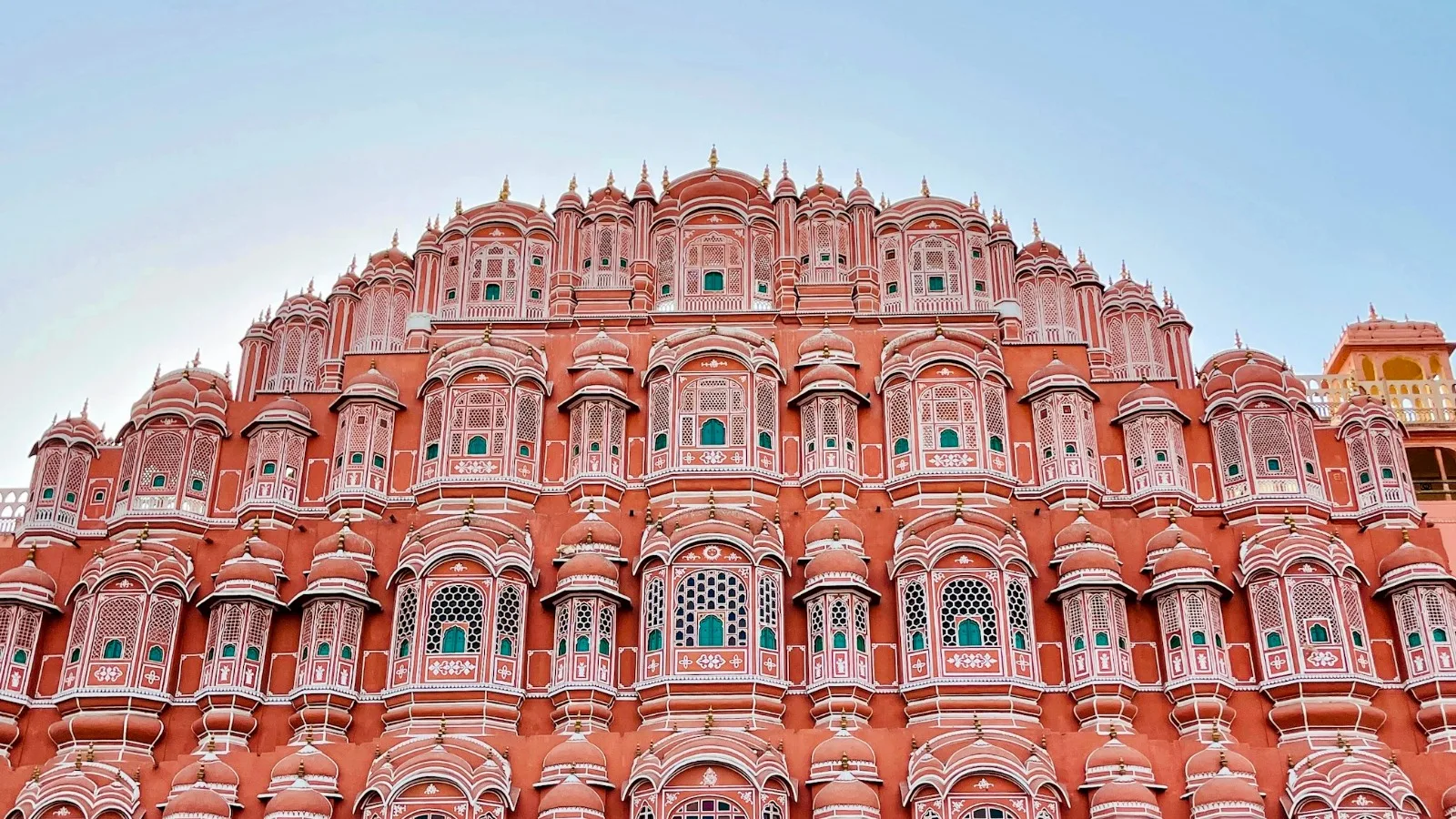
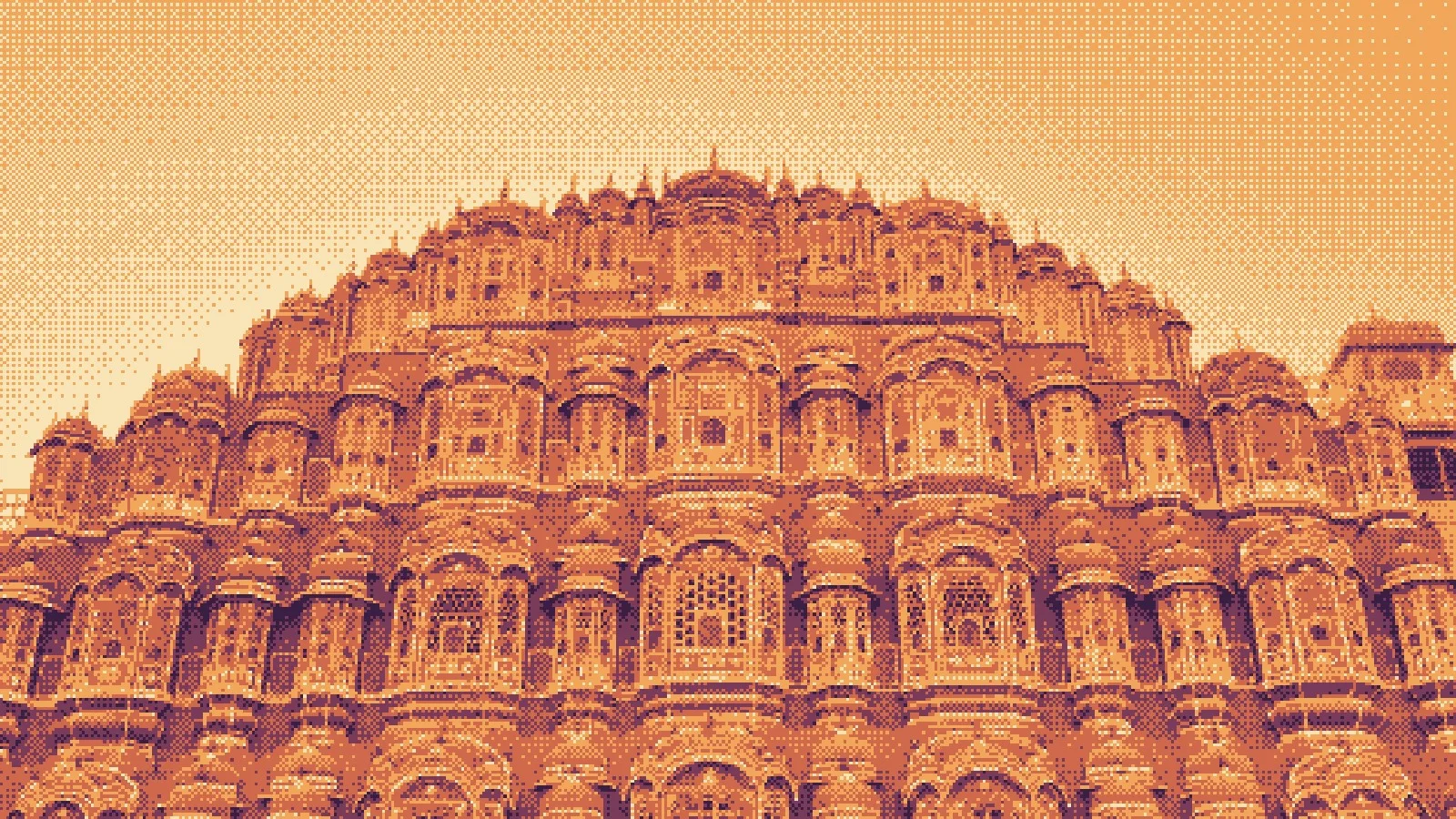
Early computers could show only a handful of colours, sometimes just two. To display a photograph anyway, they used dithering: scattering the few available colours in fine patterns so that, from a normal viewing distance, your eye blends them into shades that aren't really there.
That technical workaround became an aesthetic. Today dithering is a deliberate look in games, posters and interfaces, and it's one of the easiest ways to make a photo feel retro and graphic at once.
How dithering works
Say you have only black and white. To show 50% grey, alternate black and white pixels in a checkerboard. For 25% grey, make one pixel in four black. Every shade becomes a pattern.
There are two main families:
- Ordered dithering compares each pixel with a fixed threshold pattern, most famously the Bayer matrix, published by Bryce Bayer in 1973. It produces neat, regular cross-hatching, the signature look of early PCs and many indie games.
- Error diffusion, such as the Floyd–Steinberg algorithm from 1976, works out the error at each pixel and pushes it onto its neighbours. It looks more organic and grainy.
Glyph Studio's Dither style does ordered dithering with Bayer patterns, plus a Noise option for a random, grainy texture. Its regular patterns stay stable from frame to frame, which matters for video and your webcam.
Dither an image, step by step
- Open Glyph Studio. It's free with no sign-up.
- Drop in your image or video, paste it, or open it from Lab.
- Choose Dither. Search "Dither" in Find a style, or open the Ink & Press group.
- Pick a Pattern and a Palette (see below).
- Set Pixel Size, then adjust Brightness and Contrast until the shapes read clearly.
- Export a PNG (⌘E) at 2× or 4×. For moving images, export MP4 or a GIF.
Pattern: Bayer 2×2, 4×4, 8×8 or Noise
The Bayer number is the size of the threshold pattern. Bigger patterns can show more distinct shades, so gradients look smoother.
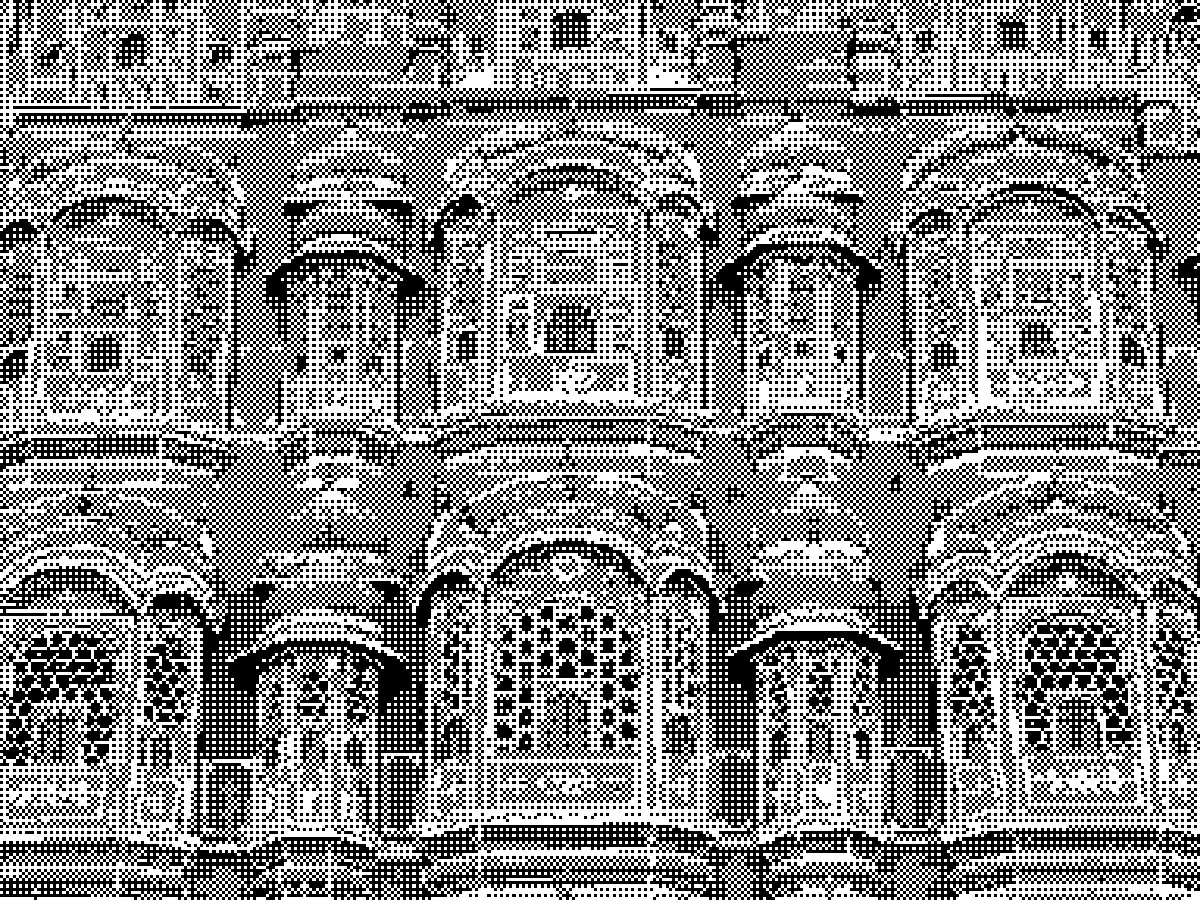
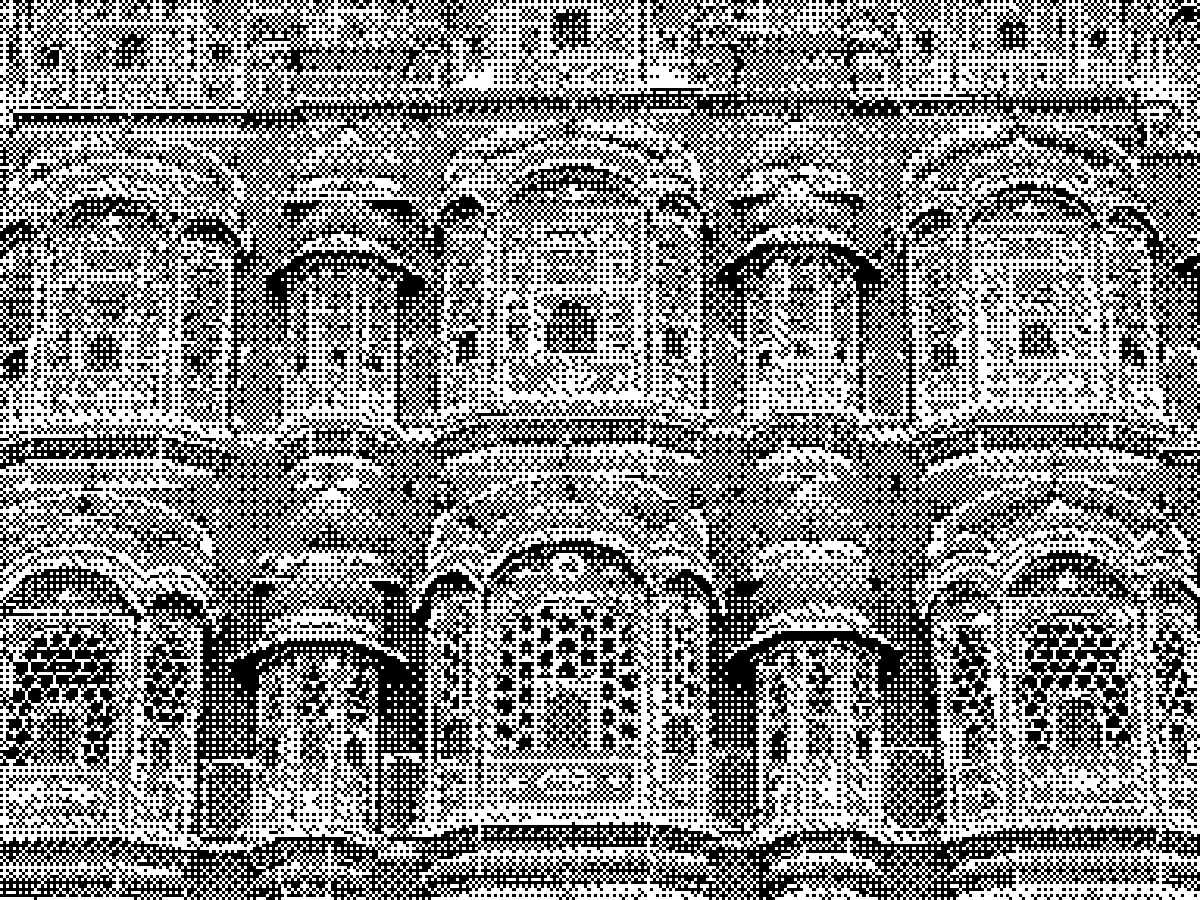
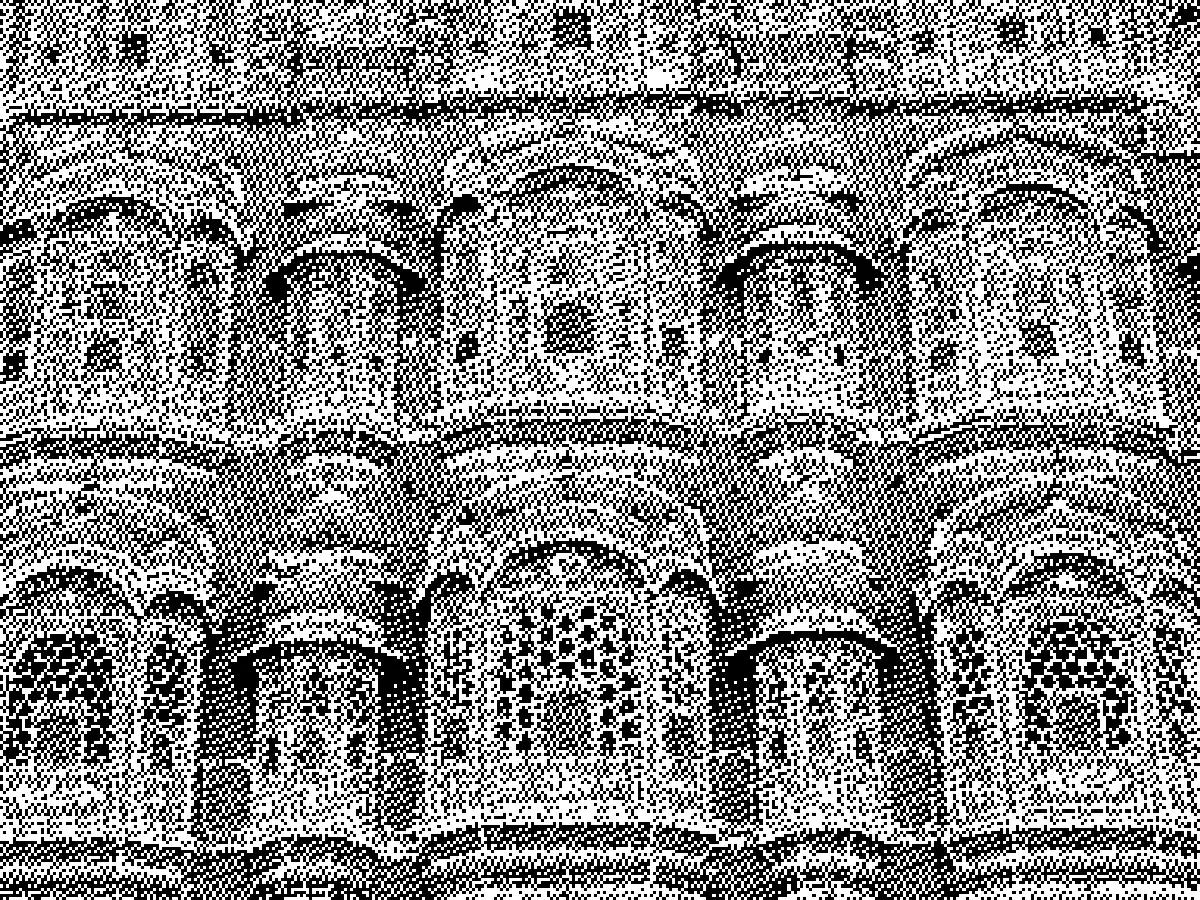
Use 2×2 when you want the pattern to be loud, 8×8 for the most faithful image, and Noise for a film-grain or newsprint feel.
Palette: from 1-bit to full colour
The palette decides which colours the pattern mixes:
| Palette | What you get |
|---|---|
| 1-bit | Pure black and white, the classic Macintosh and Obra Dinn look |
| Two Colors | Any two colours you pick, such as navy and cream |
| 4-level Grey | Four greys, like the original Game Boy |
| Source Colors | The photo's own colours, reduced to a few levels |
| Colour Palette | Dithers between neighbouring colours of a five-colour palette |
| Ink on Paper | Coloured dots on a paper colour, or on a transparent background |
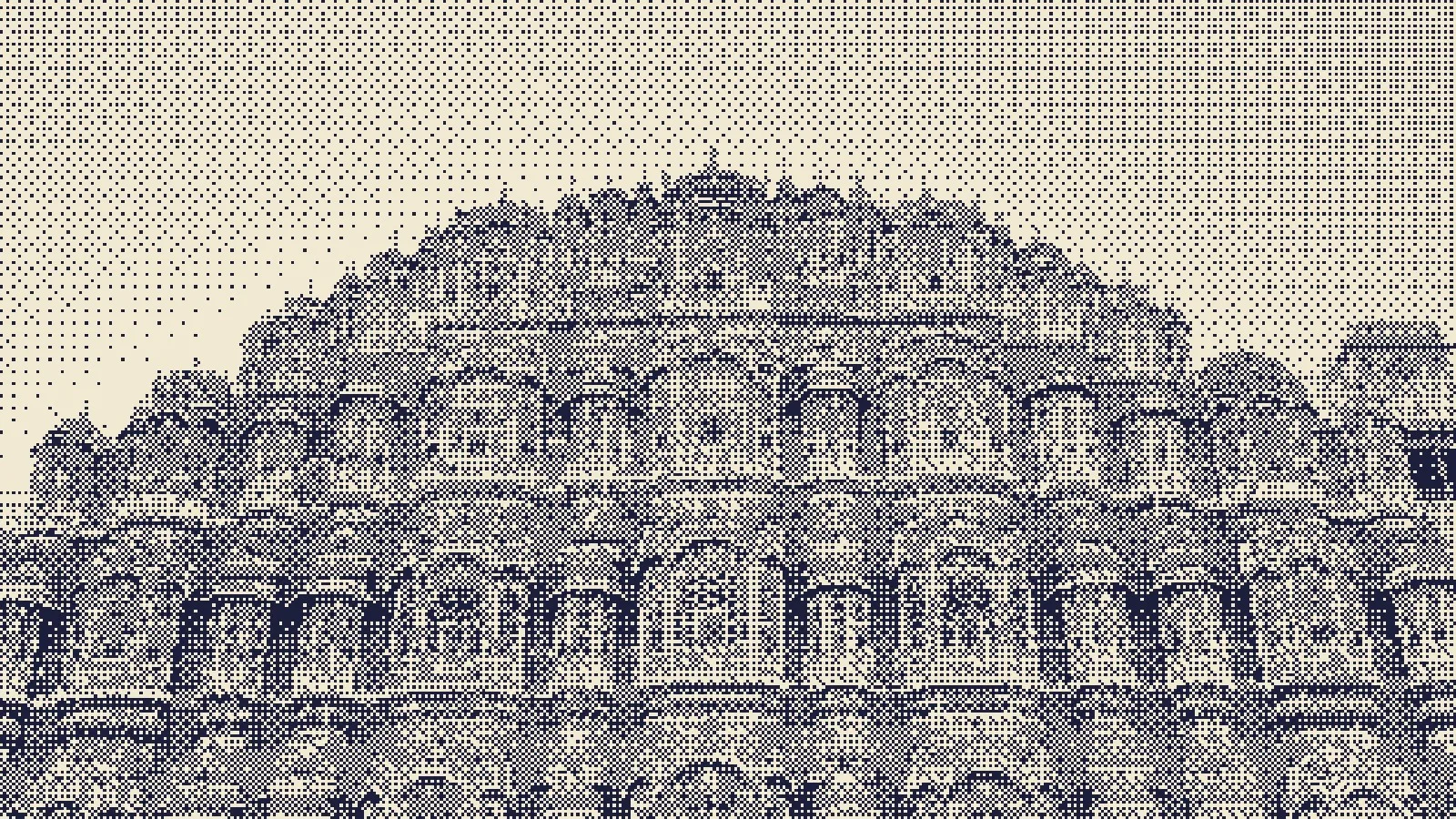
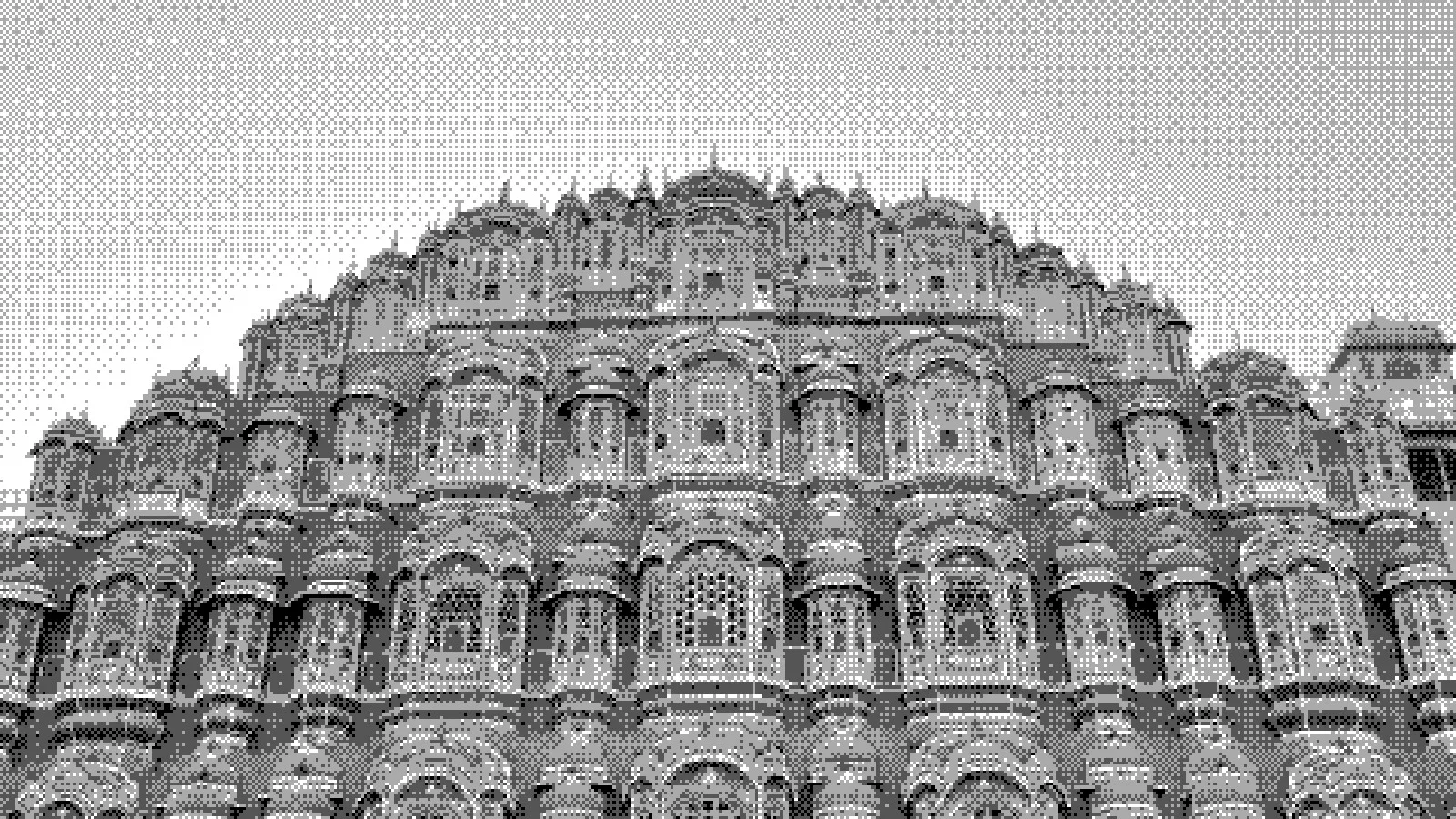
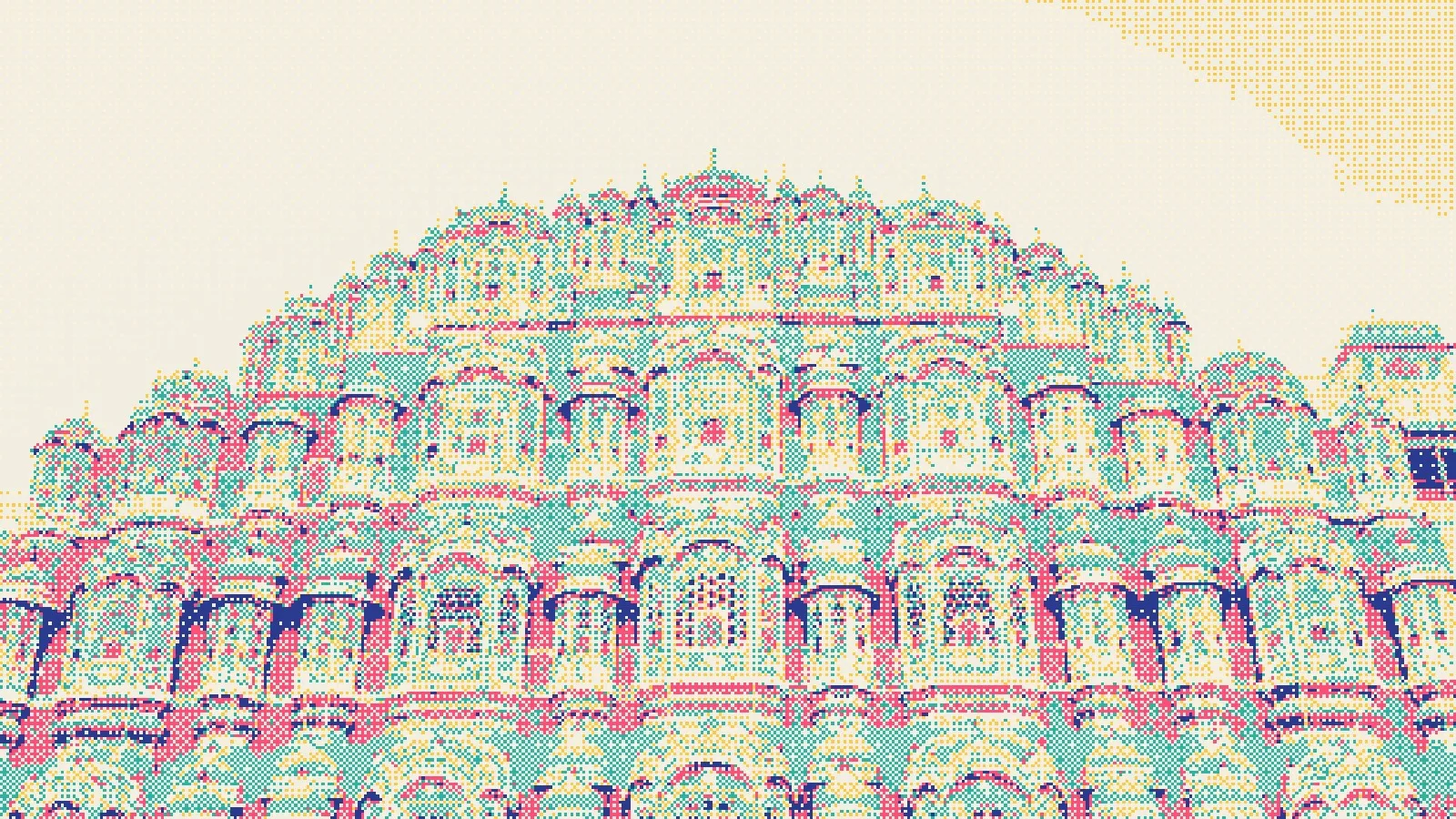
Colour Palette and Ink on Paper use the Mark Colours palettes, such as Desert Dusk, Riso Pop, Lagoon and Neon Night, so you can match a brand or a mood in one click.
Pixel Size
Pixel Size sets how big each dithered pixel is, from 1 px to 16 px. At 1–2 px the dithering blends into tone, like an old printout. At 4 px and up the pixels become a deliberate, chunky style that survives being shown small on a phone.
Tips for crisp dithered images
- Always export PNG, never JPG. JPG compression smears hard pixel edges into mush. PNG keeps every pixel sharp.
- Export at 2× or 4× if the image will be scaled. Dithered pixels don't survive resizing well.
- Raise the contrast first. Dithering has few levels to work with, so a punchy source image gives cleaner shapes.
- Use detailed subjects. Architecture, foliage and texture look great; big flat areas show only the pattern.
- For animated GIFs, the GIF exporter has its own dither toggle for reducing colours. Pair it with the Dither style for a consistent retro feel.
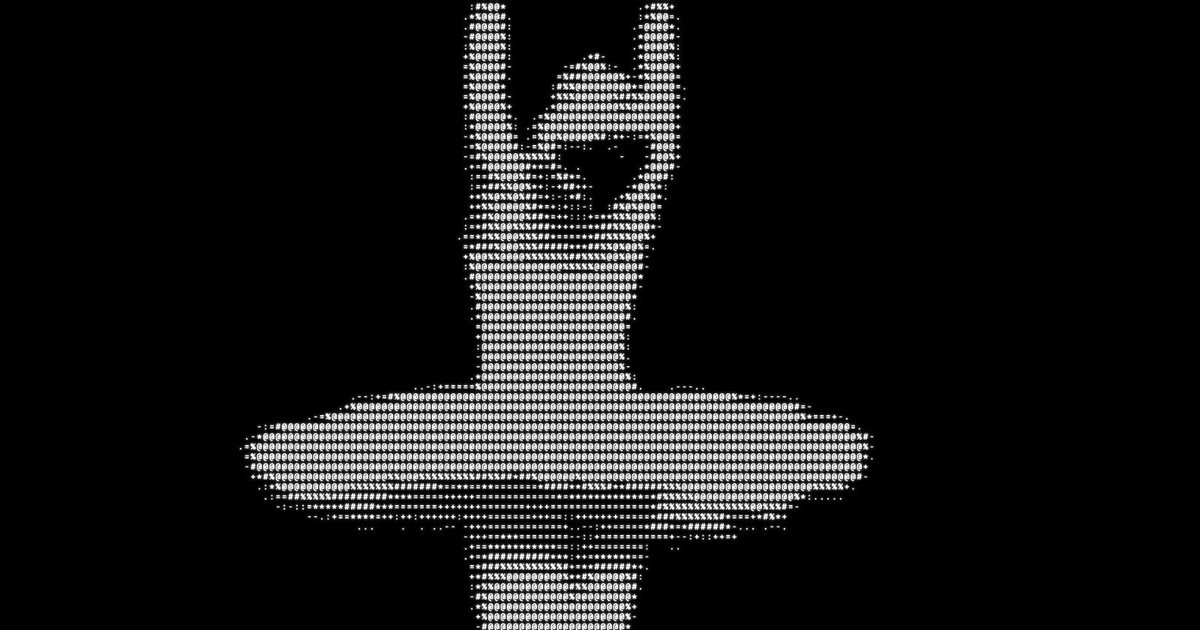
Dithering's cousins are halftone, which uses dots of different sizes, and ASCII art, which uses characters. All three build an image from a few marks instead of smooth tones.
FAQ
What is dithering in images?
It's a way to show more shades than you have colours, by mixing the available colours in fine patterns that the eye blends together.
What is Bayer dithering?
Bayer dithering is ordered dithering using the threshold matrix Bryce Bayer published in 1973. It gives the regular cross-hatched patterns associated with early computers and pixel-art games.
Does Glyph Studio use Floyd–Steinberg dithering?
No. Its Dither style uses ordered Bayer patterns and a noise option. They stay stable from frame to frame, which suits video and live webcam use.
How do I make a 1-bit image?
Choose the Dither style and set Palette to 1-bit. Raise Contrast so the main shapes read clearly, then export a PNG.
Can I dither a video or GIF?
Yes. Open the video in Glyph Studio, apply Dither, and export MP4, WebM or GIF. The pattern holds steady from frame to frame.